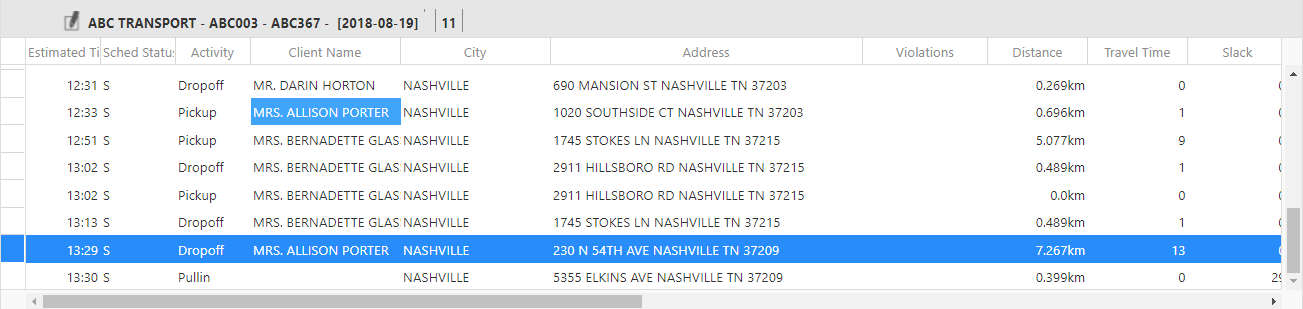
Viewing a Trip Pick-up and Drop-off
In the Detail pane, the pick-up and drop-off for a specific trip booking can be quickly identified.
Before you begin
Procedure
-
Show a run itinerary by doing one of the following:
- In the Runs pane, click All Runs to view runs for all providers and then double-click a run.
- In the Runs pane, click a run.
The run itinerary appears in the Details pane (the lower-right pane). -
Right-click on the row containing the Activity (Pickup
or Dropoff) for which to show the corresponding activity.
If a pick-up is selected, the corresponding drop-off will be identified and vice versa.
- Click Go to Pair.
Results