
Loading Travels
You can load travels that have been defined in another scenario or sign-up period. The data may have been saved in an xml file.
-
On the Travels screen toolbar, click the Load
Travels button:
 The Load Travels dialog appears.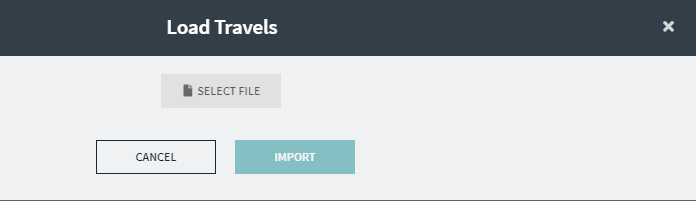
-
Click Select File.
The file directory appears.
-
Search for and select the travels file (in xml format) that you require.
The selected file is shown below the Select File button.
-
Click Import.
Note: A message appears advising that you must delete existing travels before loading the new travels.
- Click OK.