Adding Comments to Work Orders
You can add comments to work orders using the Comment dialog box.
- Search for the work order you want to modify.
-
In the Operations pane of the Details screen,
click Comment.
The Comment dialog box appears.
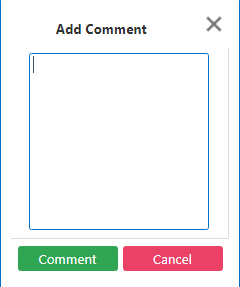
- In the Add Comment field, enter the comment that you want to add.
-
Click Comment.
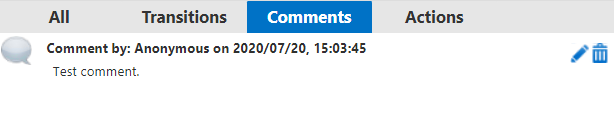
The comment is added to the list of comments on the Comments tab in the New Contractor WO pane.