
Adding Work Order Attachments
You can add attachments to work orders using the Attachments dialog box.
- Search for the work order you want to modify
-
In the Operations pane of the Details screen,
click Attachments.
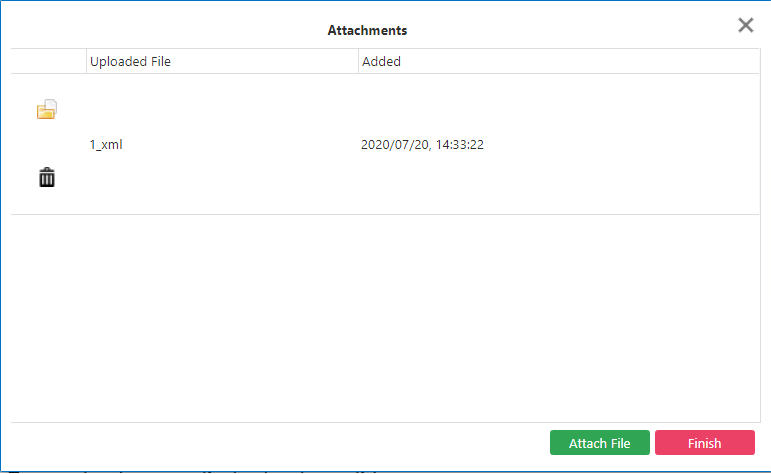
The Attachments dialog box appears.
-
Click Attach File.
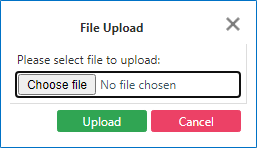
The File Upload dialog box appears.
-
Click Choose File.
The Open window displays your file directory.
-
Browse to the file that you want to attach and click Open.
The file name appears beside the Choose File field in the File Upload dialog box.
-
Click Upload.
The new attachment is added to the Attachments screen.
-
Click Finish.
The new attachment is shown in the Attachments frame in the New Contractor WO pane. It is stored in the folder set in the Cmn/Files/Virtual Path context property.