
Closing the Map
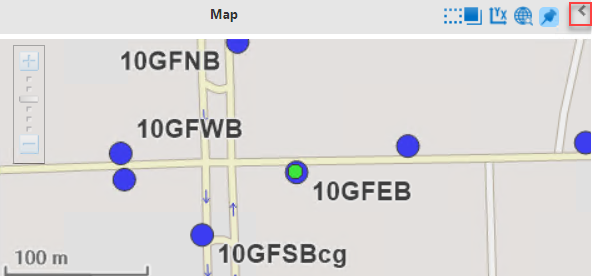
You can close the Map pane in order to expand the Points pane.
Click the Close (leftward) arrow on the right section of the
title bar of the Map pane.
The Points pane expands. The Map pane
remains on the screen but appears folded. The leftward arrow is replaced with the
Open (rightward) arrow.
To open the map again, click the Open arrow on the
Map pane:  .
.