
Showing All Associations
You can show all of the associations of a selected point or amenity type.
- Click Association in the Stop Manager list.
- Select a Point Parent Type or Amenity Parent Type. If associations have been made for the selected type, they are shown in the Associations pane.
-
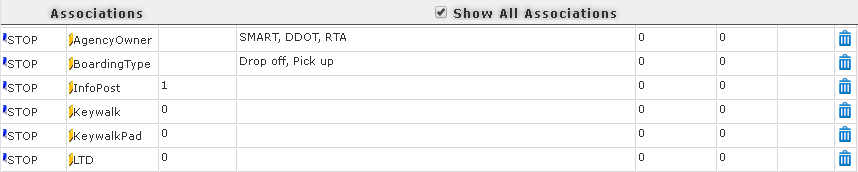
Select the Show All Associations check box in the title bar of the
Associations pane.
The associations appear in the grid.
- Optional: To clear the grid, clear the Show All Associations check box.