
Hiding and Displaying the Map on the Points Screen
You can hide and display maps on the Points screen.
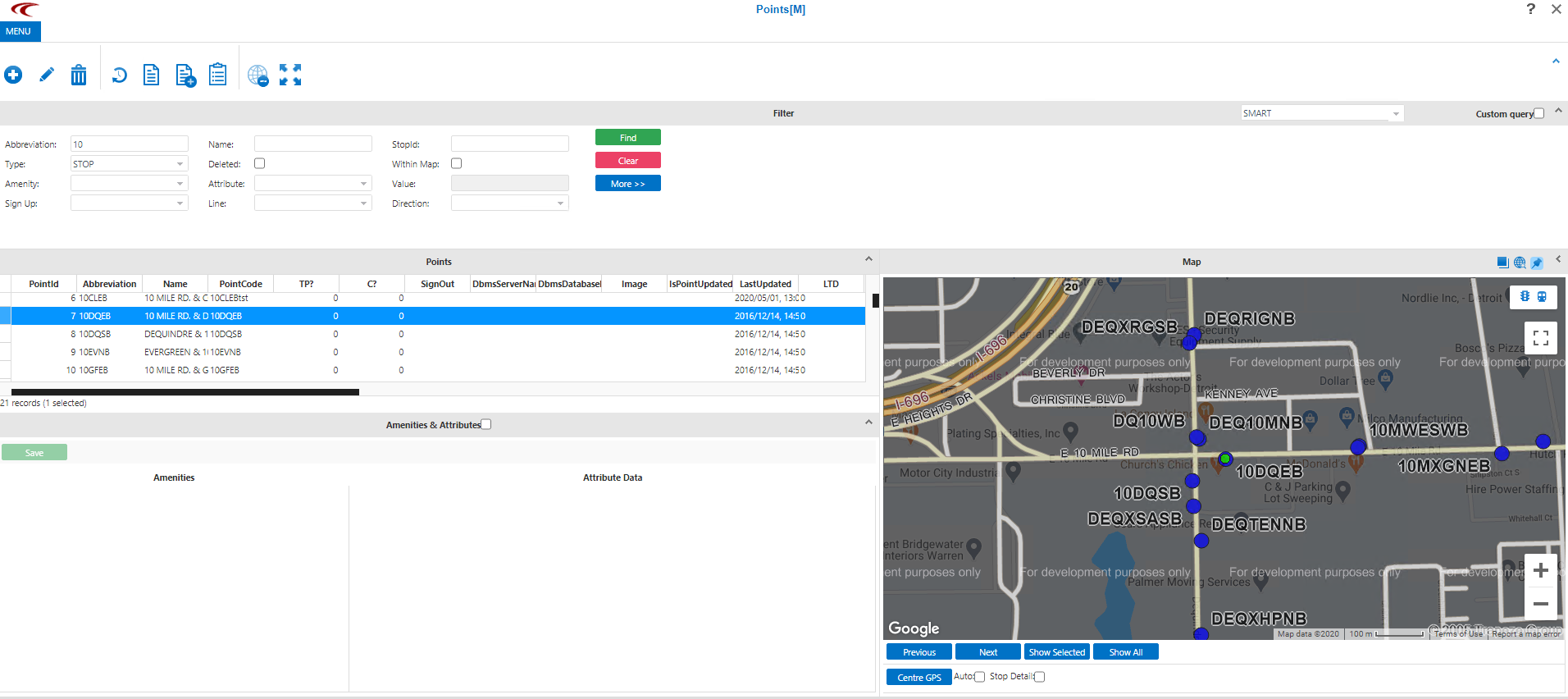
To hide the map, on the screen toolbar, click the Hide Map
button: 
The map is removed from the bottom right pane and the Hide
Map button changes to the Show Map button:  .
.
.