
Showing All or Selected Points on Map

Options at the bottom section of the Map pane allow you to show all or only selected points on the Points pane.
Open the Points screen and search for the points you want to view.
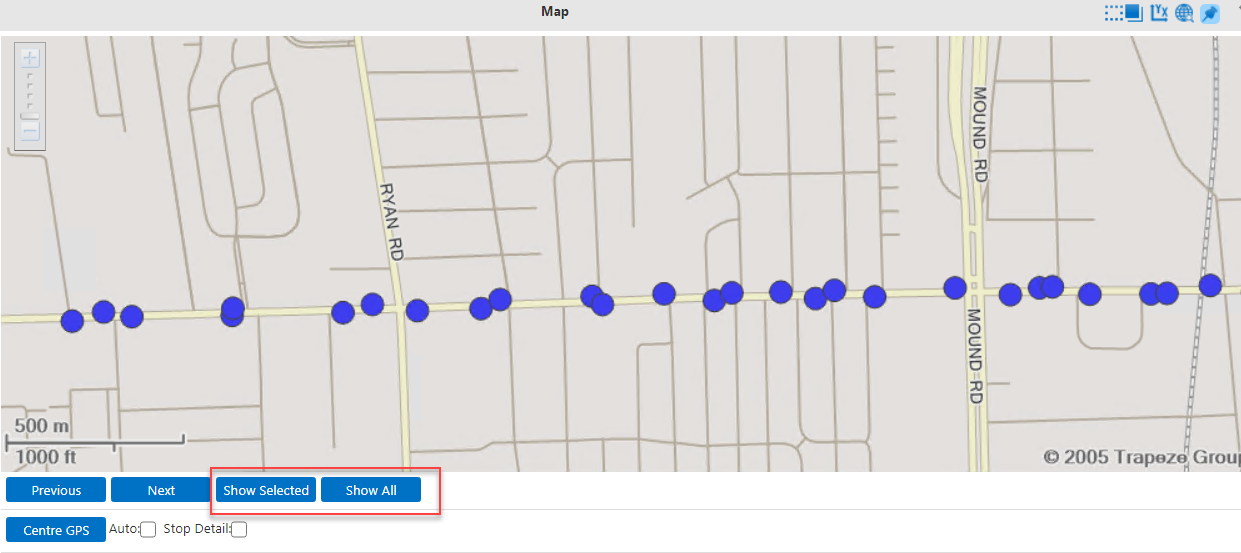
The points on the Points pane are those that match the filters that you have selected in the Filter pane. The following graphic shows the buttons below the map: that allow you to view all or selected points on the map:
Previous, Next, Show Selected, and Show All options
  • To show all the points on the map, click Show All on the Map pane.
  • To show the selected points only on the map, click Show Selected.