Searching for Archived Reports
You can search for specific reports that are archived using the Archived screen.
- Click Report Explorer in the Reports list.
-
Click the Archived tab.
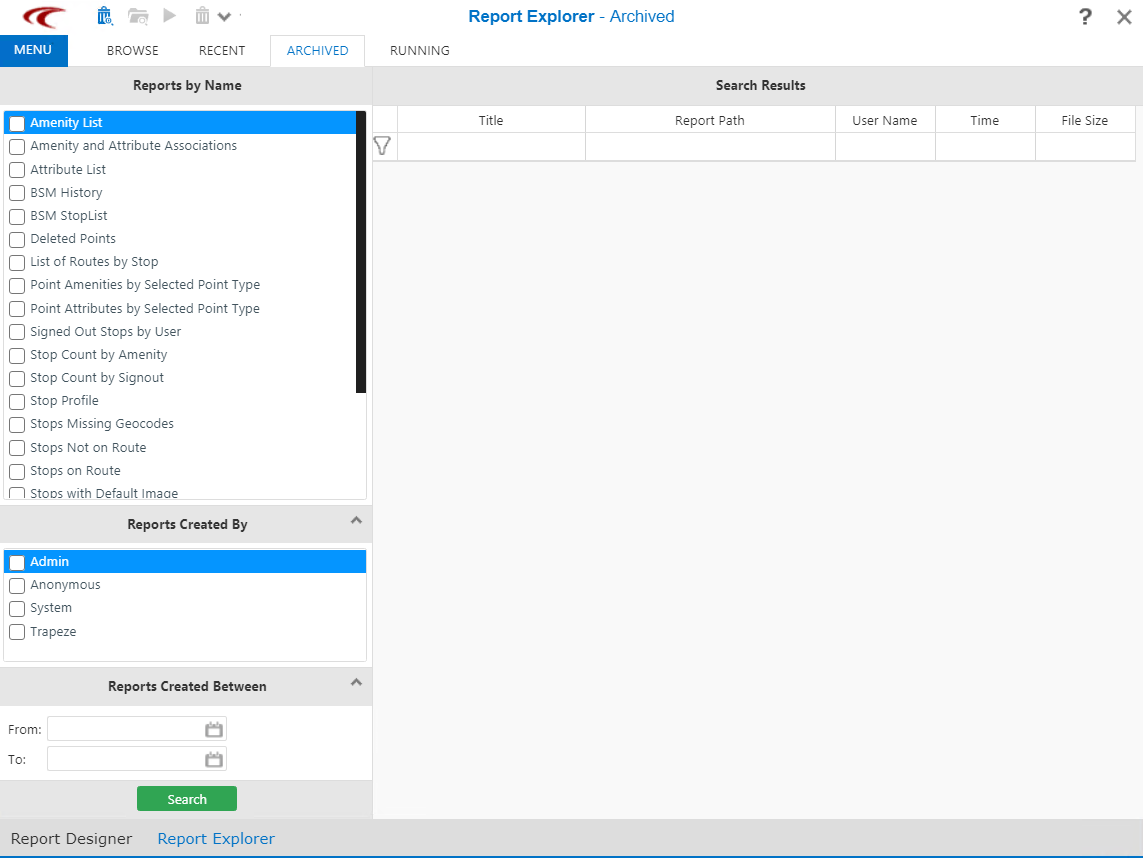
The Archived screen appears.
-
Depending on your requirements, select the appropriate check box in the following
panes:
- Reports by Name
- Reports Created By - For example, Administrator, Anonymous, and Public.
- Reports Created Between - Specify a date range using the From and To fields.
-
Click Search.
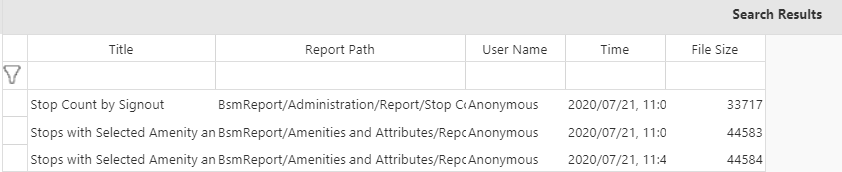
Reports that match the criteria you specified appear in the Search Results pane.