
Searching for User Records
You can search for user records using the Manage Users screen.
- Click Settings.
-
Click Manage Users in the
Adminmenu.
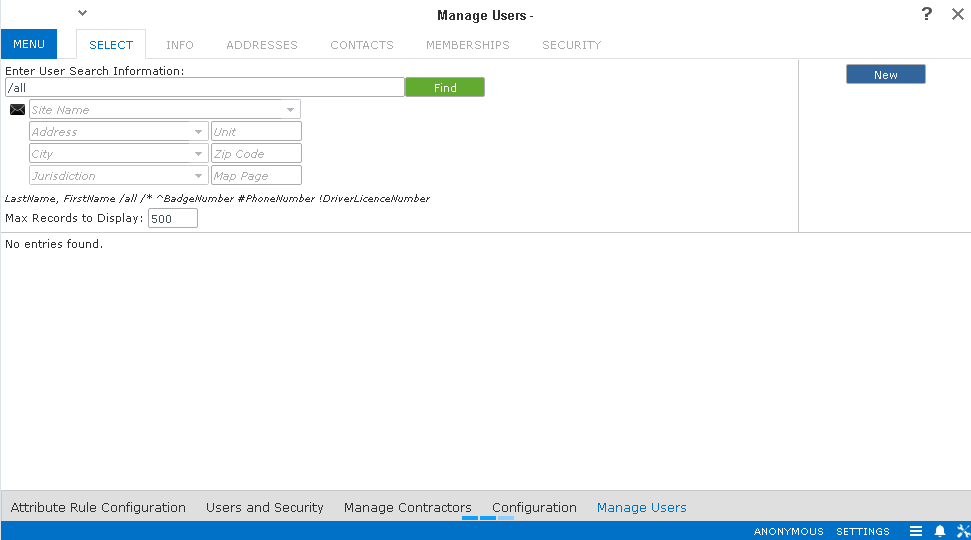
The Manage Users screen appears.
-
Do one of the following steps:
- In the Enter User search Information field, enter the last or first name or both names of the user whose record you want to view.
- Enter the user's badge number, phone number, or driver license number, if applicable.
- Optional: To reset the number of records to be displayed, overwrite the value set by default in the Max Records to Display field.
- Click Find.
The search results are displayed in the lower-right pane. If no records are found, the message, No entries found appears on the pane.