
Viewing General Ancillary Data
The ancillary data that appears in the General list is primarily generated and maintained in other Trapeze applications, for example, Trapeze FX. The system accesses the data in order to complete processes in Bus Stop Manager.
-
Click Settings, and then click Config in
the Adminlist.
The Configuration screen appears. The General ancillary data is listed in the Configurations pane.
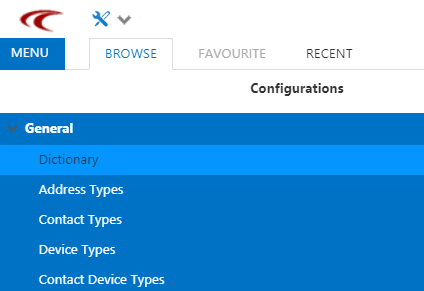
- Select the ancillary data that you want to view.