Place text in quotation marks for exact match search results.
Using the BSM Menu
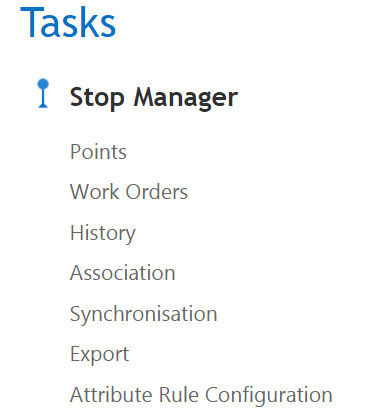
The BSM Menu allows you to access the main features of BSM.
Open the BSM portal.
Click the option you want to view on the Stop Manager list.
Once a screen is open, it remains open until you click the Close
button: .
You can have multiple screens open and also navigate among them, that is, have one
screen displayed while the links to the other open screens are available on the Task
bar.

 .
.