
Adding Travels
Before performing any task on the Travels screen, make sure to set the context first.
-
In the Navigator, click the Travels
button:
 The Travels screen appears. The mandatory fields are From Node, To Node, From Time, and To Time.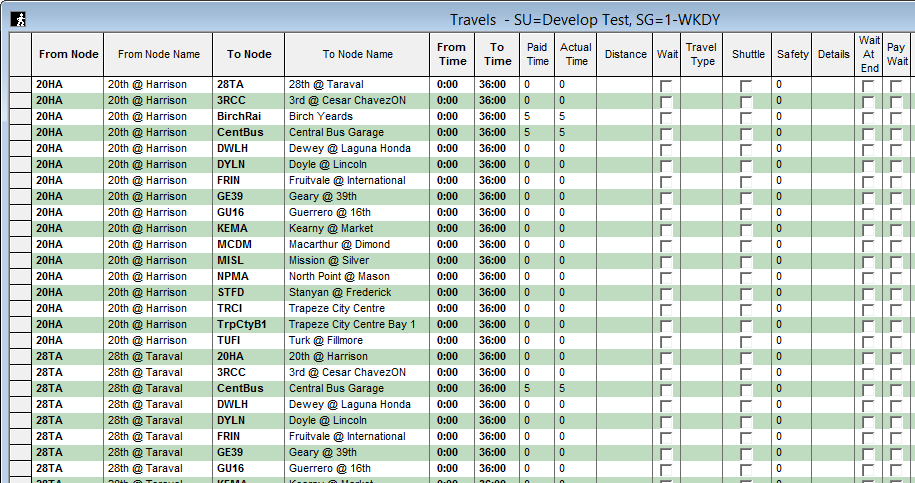
-
Fill in the mandatory fields and the other fields that you want to apply to the new
travel.
When searching in the From and To fields, the list shows the nodes that begin with the initial characters that you enter.
-
Click the Save button:
 If you move to a different row without saving the record, a message prompts you to save it. Click Yes.