Locating Blocks Associated with Runs
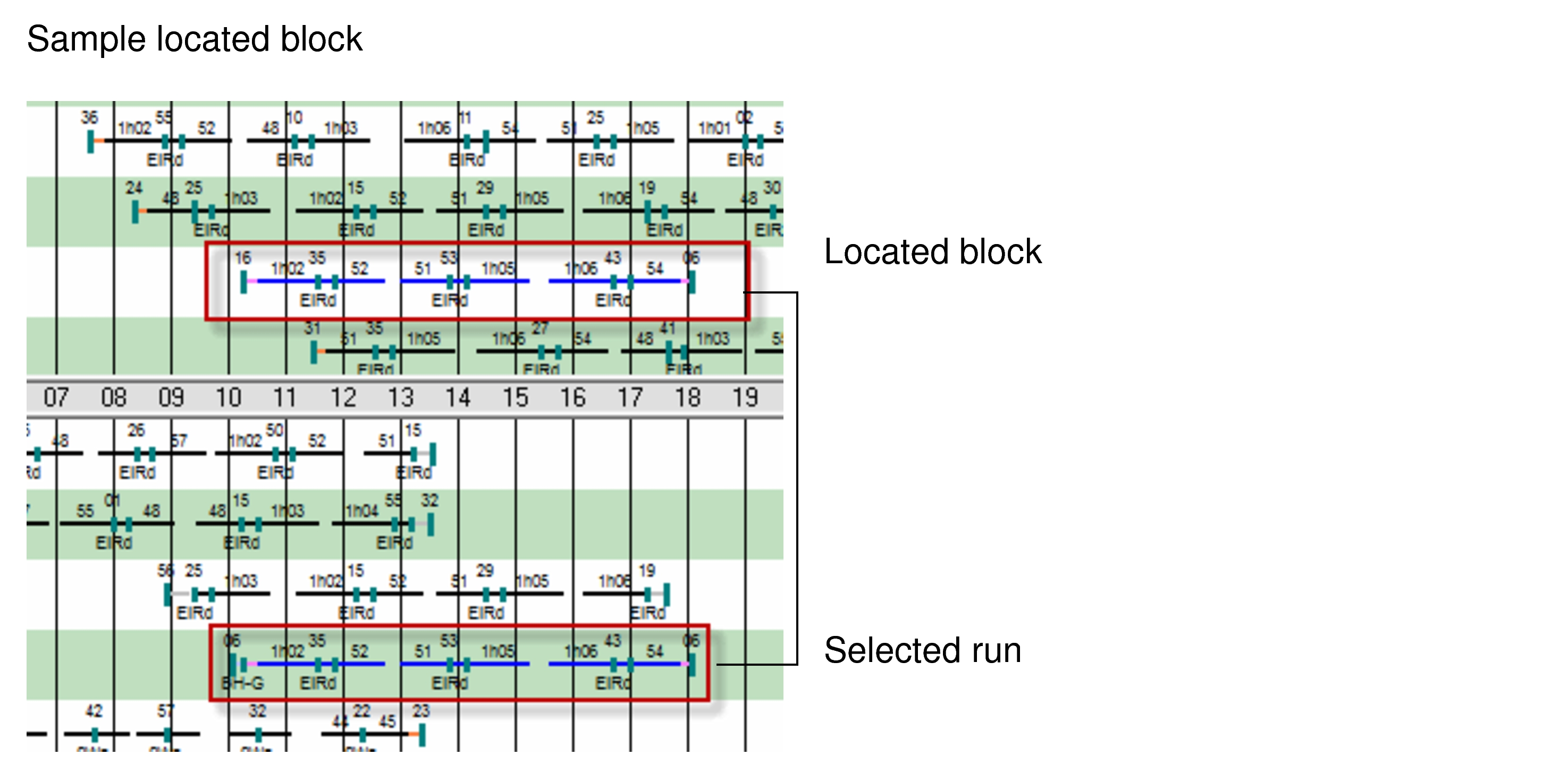
After cutting runs, you can locate the block associated with the run on the grid.
- On the Runs view, select the piece for which you want to locate the block and right-click.
- From the shortcut menu, click Locate Block.
The selected piece and the block are highlighted as shown in the following graphic.