Setting the User Interface Setup
The User Interface setup allows you to determine what is highlighted when you click a timeline.
-
Click .
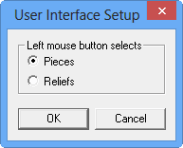
The User Interface Setup dialog appears.
-
Select either one of the following options that you want highlighted when you place
your pointer over a timeline and click the left mouse button:
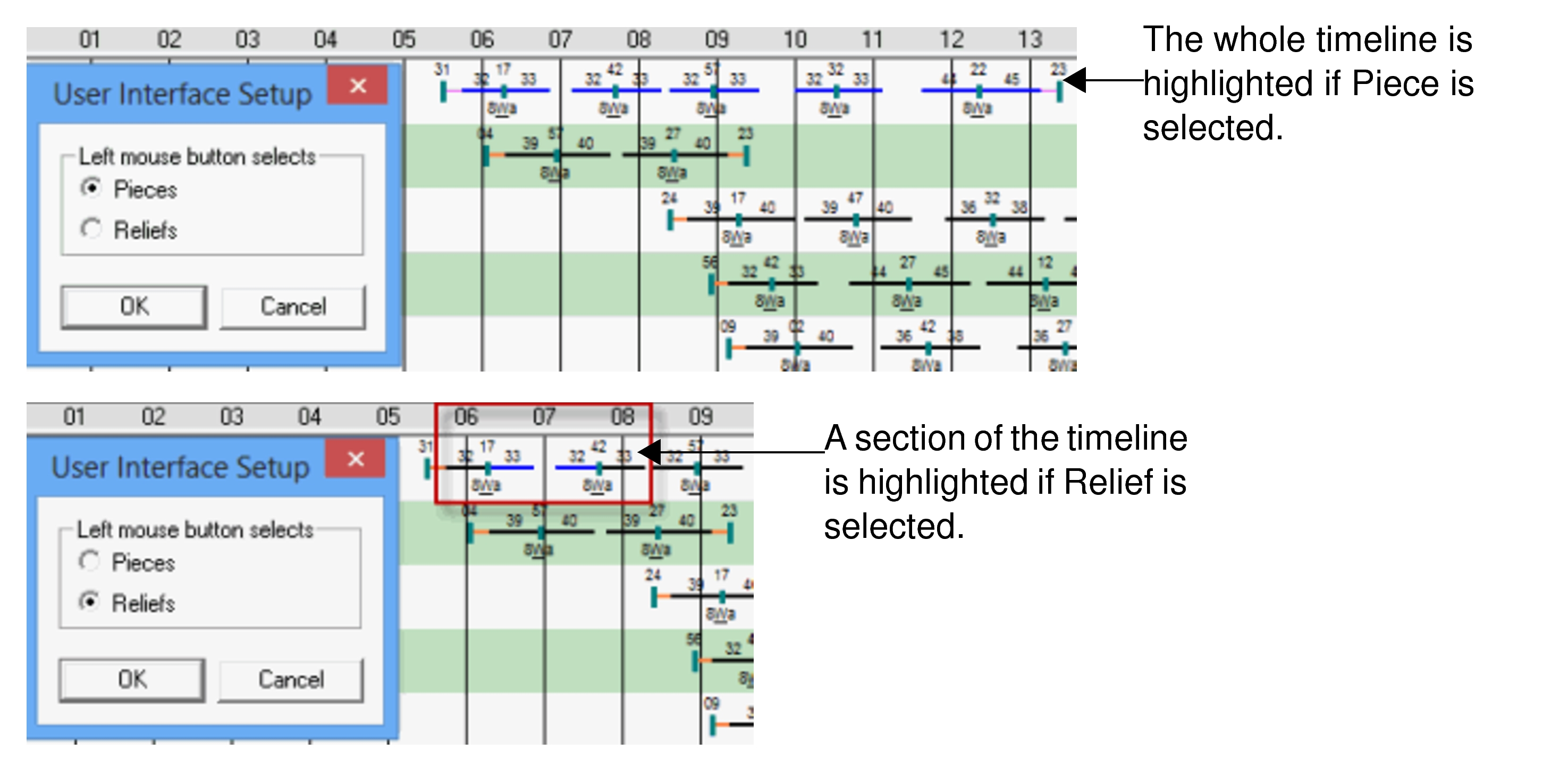
- Pieces
- Relief .
The following graphic illustrates the difference between the two options: