
Exporting Runs to FX
You can export runs from BlockBuster Web to FX.
-
On the Runs screen toolbar, click the
Import/Export Runs button:
 The Import/Export Runs dialog appears.
 -
Click the Export to FX option.
The Import button changes to the Export button.
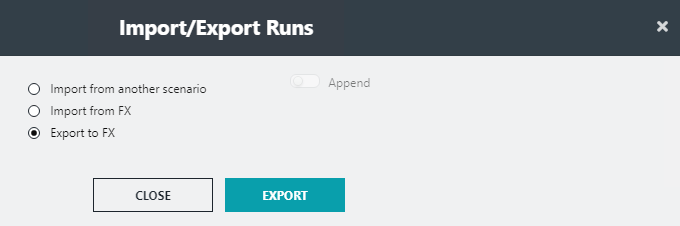
- Click Export.