Place text in quotation marks for exact match search results.
Setting Properties of Graphs
You can set the properties of graphs using the Proprties dialog box.
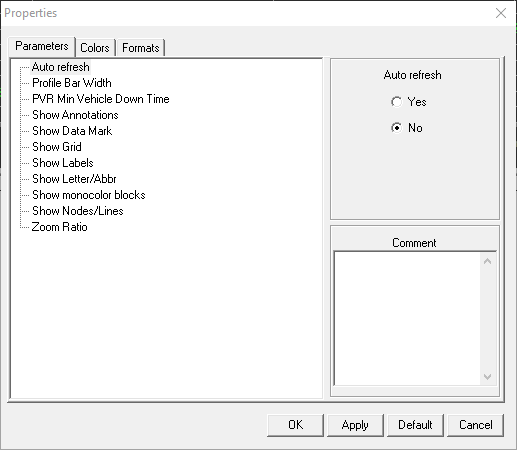
To set how the graphs appear on the Wizard screen, click Wizard > Properties.
The Properties dialog box appears.
The Properties dialog box in the Trips/Blocks
Graphical Wizard screen shows three tabs: Parameters,
Colors, and Formats. The properties listed
on these tabs are the same as those that appear in the Properties
dialog box which you can access through File > Properties > Graphical Wizard.