Adding Run Types
Run types define how valid runs will be found and what costs will be attributed to them. Each run type has a name, run type number, a set of contract rules and a set of desired or best rules associated with it.
Some points to remember when adding run types:
- Zero (0) is the default number of the new entry. You need to change it to an unused number from 1 to 99. Zero is automatically assigned to illegal runs and therefore should not be used.
- Be careful that you do not overlap your rules. For example, this means maintaining the same platform time for your run types. The cost of the runs is based on the first run type the system comes across that the run fits. If your custom cost routine does not handle overlap run types, you could end up with a run receiving the wrong run type and associated costing.
-
Click or click Union Contract:
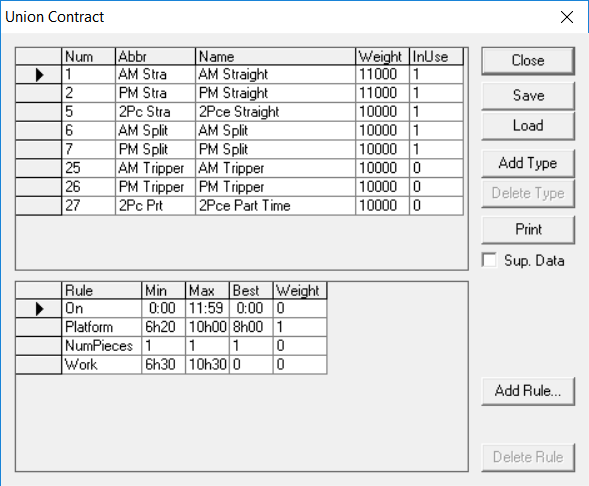
 The Union Contract dialog box appears. The run types are listed on the dialog box.