
Editing Nodes
Nodes are created in the Nodes tab in the Route Definition screen but can be edited in the Nodes ancillary data dialog.
- On the Nodes tab, highlight the node you want to edit.
-
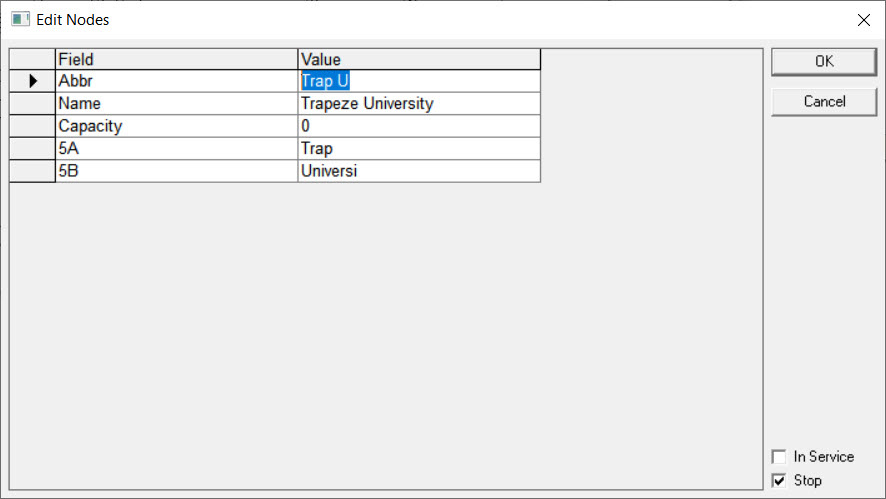
Click Edit. The Edit Nodes dialog opens.
-
Change the values shown in the Value column of the fields as
necessary.
If your site has supplementary data such as a slightly different Node Abbreviation often referred to as NameA and NameB, you are able to edit these items.
- Optional:
Perform the following steps as required:
- To indicate that the node is in use, select the In Service checkbox.
- To designate the node as a stop, click the Stop checkbox.
- Click OK.