
About Stop Pattern Distances
Stop Pattern distances are based on the node patterns from which they have been extracted.
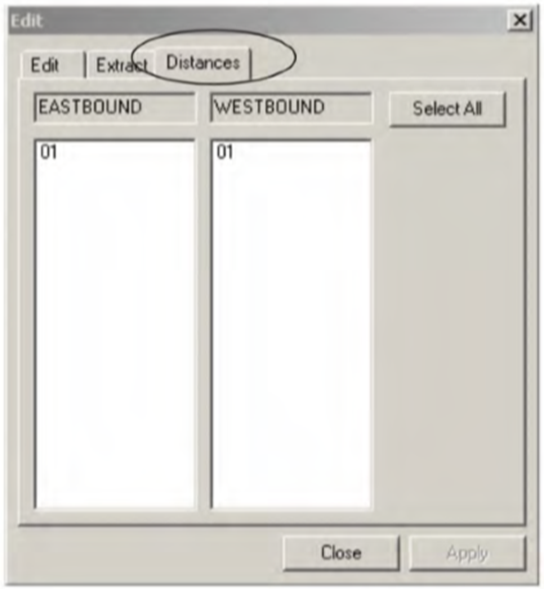
The Stop Patterns Distances tab appears and works the same way as the Distances tab of the Patterns Edit dialog box.
If the node pattern from which the stop pattern has been extracted has been plotted, the total distance of the stop pattern also appears in the Dist column of the Stop Patterns grid.
It should match the distance of the node pattern shown in the Patterns grid.
If the stop distance is less than 0.01, the decimal numbers are shown at least with three digits after the decimal point. (This applies only on the Stop Patterns grid.)
-
D - I - The distance is correct.
-
D - N - The distance is incorrect, that is, has negative values.