
Using the Drive Feature on Pattern Traces
Use the Drive command to see how the bus runs following the pattern trace on the system map.
-
On the screen toolbar, click the Drive button:

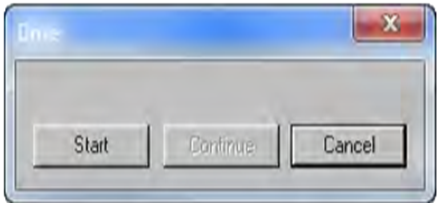
The Drive dialog box appears.
-
Click Start.
A short line representing a bus moves from the start to the end of the trace. It pauses at each break on the pattern trace. When it reaches a break on the trace, click Continue if you want the line to proceed, or Cancel to stop the process.
- Optional: To set the speed of the line representing a bus, set the Pattern Delay Drive Factor property.