
Removing Names that are Not Associated with Segments

You can remove names that are not associated with any segment.

Make sure that you have write access to the map data.
  1. Click Tools > Maintenance > Stranded Names.
    The Stranded Names dialog appears. If the dialog list is empty, no stranded names exist and no action is required.
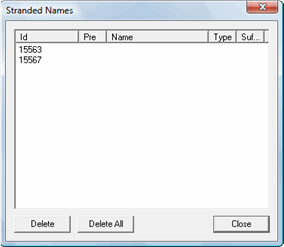
    Stranded Names
  2. If the dialog list shows stranded names, do one of the following steps:
    • To delete selected names, select the names to remove and then click Delete.
    • To delete all stranded names, click Delete All.
  3. Click Close.