Setting Distance Wizard Properties

Set Distance Wizard properties to specify how information appears in the Distance Wizard dialog.

  1. Click Tools > Distance Wizard, or click the Distance Wizard button: Distance Wizard button

    The Distance Wizard dialog appears.

  2. Click Wizard > Properties.
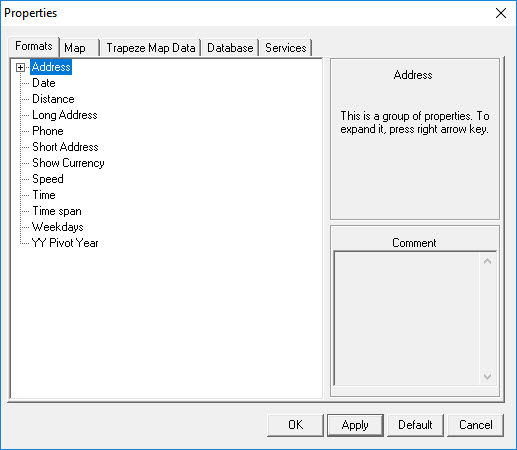
    The Properties dialog appears.
    Map Format properties
  3. On the Formats tab, click a property, and specify the data format in the right side of the dialog.
  4. On the Turn List tab, click a property, and specify the Turn List setting in the right side of the dialog.
  5. Click OK.