
Starting the Speed Wizard
When the Speed Wizard opens, it appears in a separate window, which can be displayed in the MapEdit screen.
-
In the MapEdit window, click , or click the Speed Wizard button:
 The Speed Wizard dialog appears.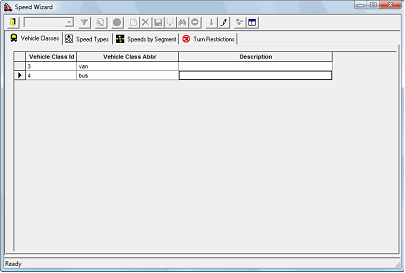
- Optional:
To display the wizard as a pane in the MapEdit screen, click the
Dock Wizard button in the Speed Wizard
dialog:

To display the wizard in a separate window again, click the Dock Wizard button again.