Viewing Stop Info for FLEX Events
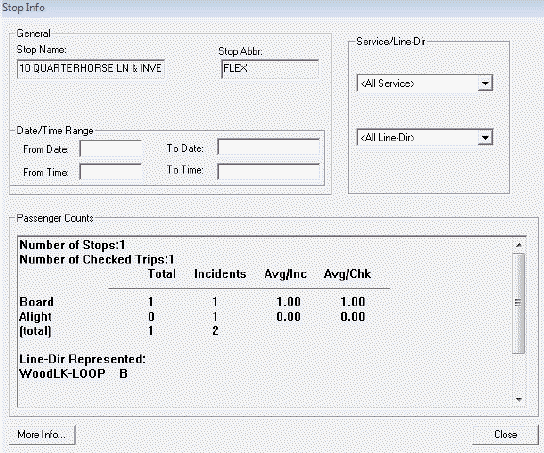
You can view the passenger counts on a point marked with a FLEX event.
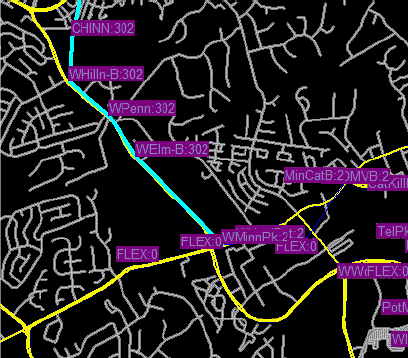
Click the point to open the Stop Info dialog box.
The dialog box shows the passenger count for the selected Flex point.