
Saving Extraction to File
This feature is intended for transit sites using Citrix for downloading information for checking to a hand-held computer.
-
Click Save To File.
You are prompted to save the information in an ASCII file called TpRide.dat or TpPoint.dat.
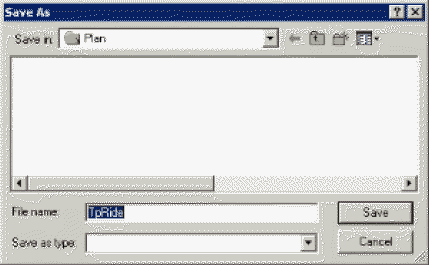
An extraction is created for the selected trips. Later, the saved file must be downloaded to a hand-held computer. For more information on this procedure, consult your system administrator or Trapeze representative. On the hand-held computer, this file functions as an electronic survey sheet for recording check data.