Loading Buffer Files
Loading a buffer file does not overwrite any other buffer file listed on the Buffers tab; it merely adds the file to the list.
-
In the Spatial Analysis screen, do one of the following
steps:
- Click .
- Click the Setup button:

The PLAN Options dialog box appears. -
In the PLAN Options dialog box, click
OK.
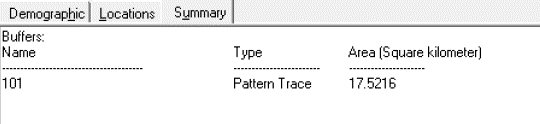
The items in the loaded buffer file appear on the Summary tab of the Spatial Analysis screen.