
Dispatch New Features
Dispatch enhancements added between v21.23 and v21.34.
General
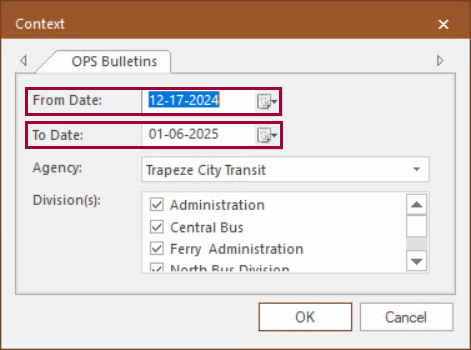
- Smart Context now applies to the OPS Bulletins screen. If the property is selected, then From Date shows the
current date and To Date shows 20 days into the future the first
time the screen is loaded.
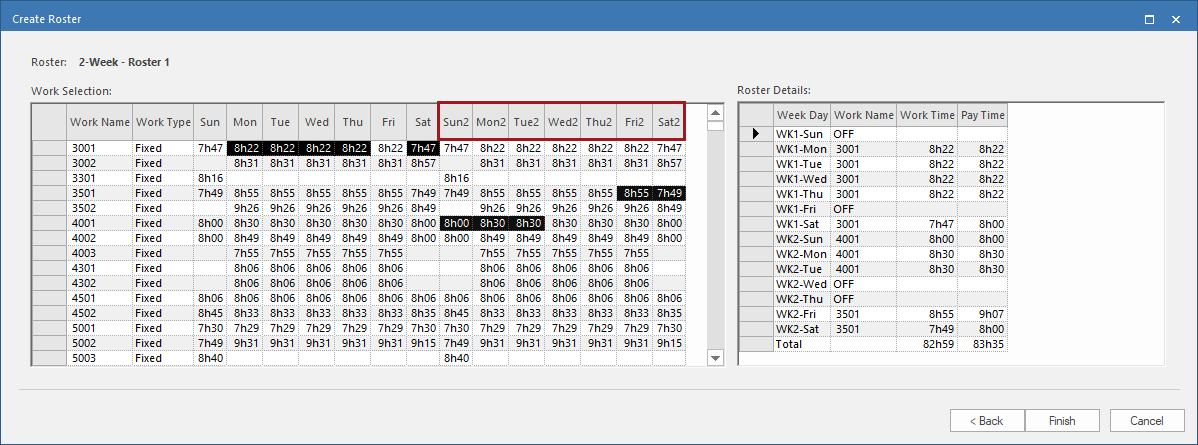
- The Create Roster dialog now labels weeks as week 1 or week 2 based
on the property.
Extra Work
- In the Extra Work screen, in the Context
(F3), Types are now shown as Work Type
- Work Subtype - Description.
Context information for work subtypes were added in the Extra Work
screen and the Work Planner screen.

- In the Extra Work screen, Work Subtypes are
shown with WorkSubtype and Description
information.

- In the Work Planner screen, in the Context
(F3), in Work View, Work
Types now show Work Subtype -
Description.

Daily Activity
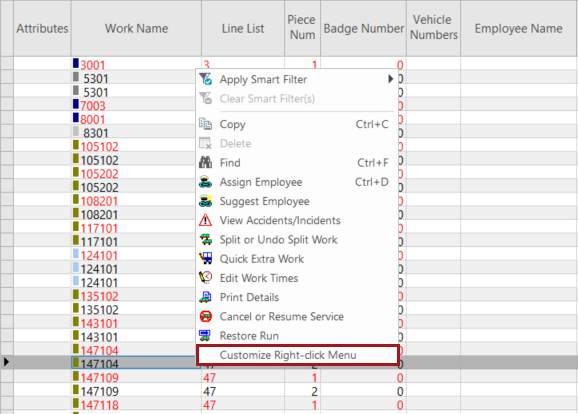
- The Customize Smart Menu option has been renamed
Customize Right-click Menu.
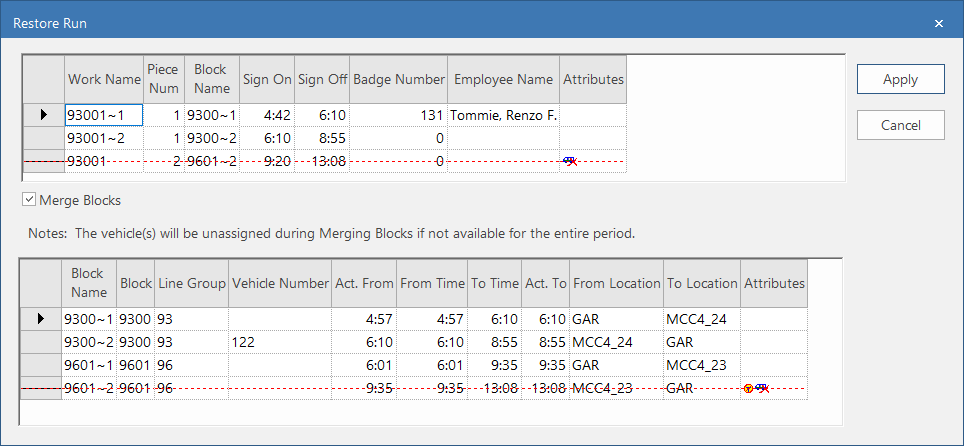
- The Restore Runs dialog was updated:
-
An Attributes column was added. This shows work canceled and trip canceled icons associated with specific work or blocks.
-
A Merge Blocks option was added. Selecting this restores the block in addition to the run.
-
Canceled work and trips are marked with red dashed lines. Attributes indicate canceled trips (
 ) and canceled work (
 ).
).
-