Workforce Management New Features
Workforce management enhancements added between v21.23 and v21.34.
 The Employee Picture Import screen was deprecated and the security permission was removed.
 To import multiple employee pictures, use the OPS Job Configuration screen.
Employee pictures imported into the system have a maximum size of 600px by 600px.
EmployeePictureImport jobs use the and properties. To create an EmployeePictureImport job in the OPS Job Configuration screen, define the following:
- Schedule Name, From Date, To Date, and Division.
- Use Job Type: Standard User Define and Process Name: EmployeePictureImport.
- Trapeze recommends using Frequency: Daily and selecting which days of the week to run the job using the Week Template (this can be every day or only for specific week days).
- Schedule Time for when the job will run.
For more detailed information after the job has run, check the OPS Job Management screen.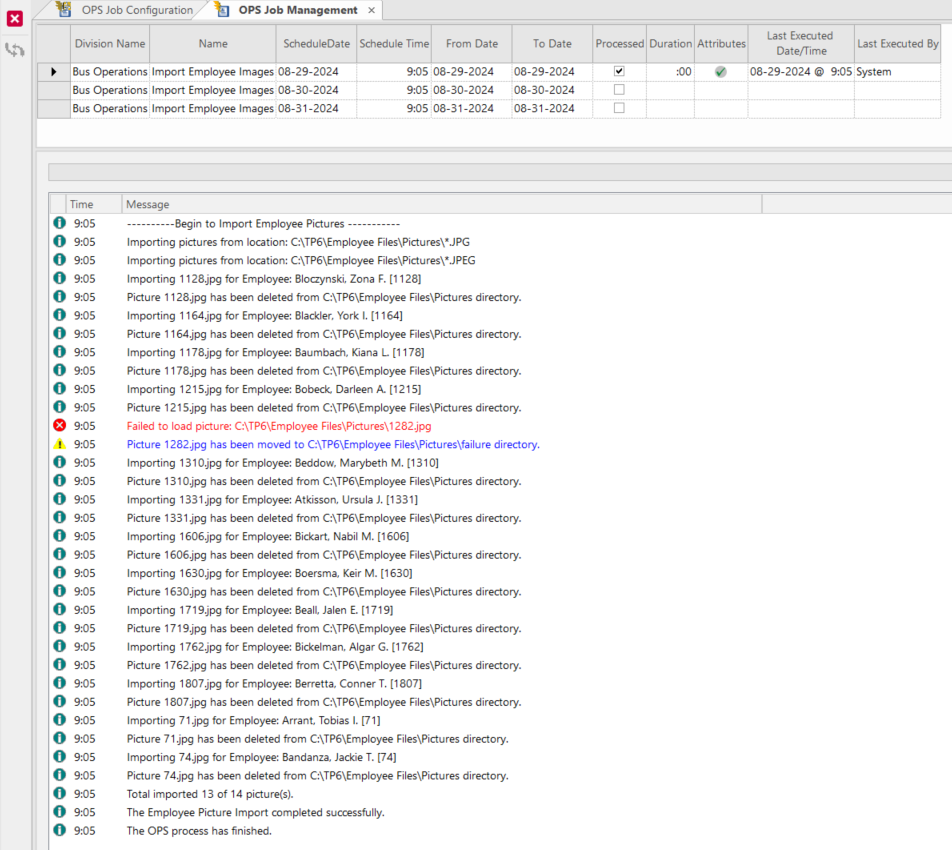
Pictures that can't be added to the database (typically corrupted or not using a valid badge number) are moved to the failure folder in the defined Employee Picture Import directory. If there is an existing file with a matching name in the folder, then the original file is overwritten. If no picture exists for an employee, the default picture is applied when the job is run.
- The OPS Job Configuration screen was updated:
-
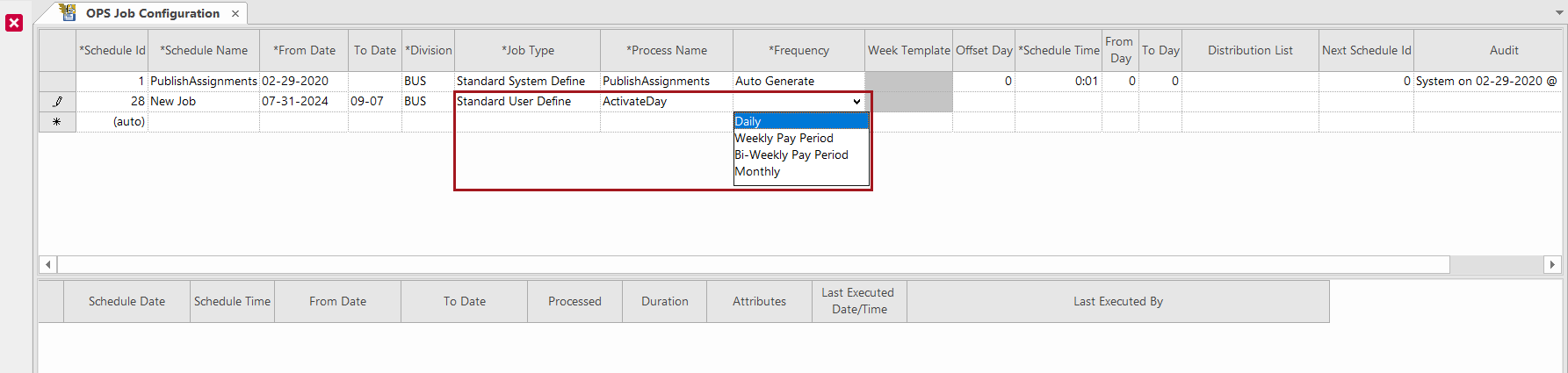
users can't select a Frequency of Auto Generate when the Job Type is Standard User Define or Custom User Define
-
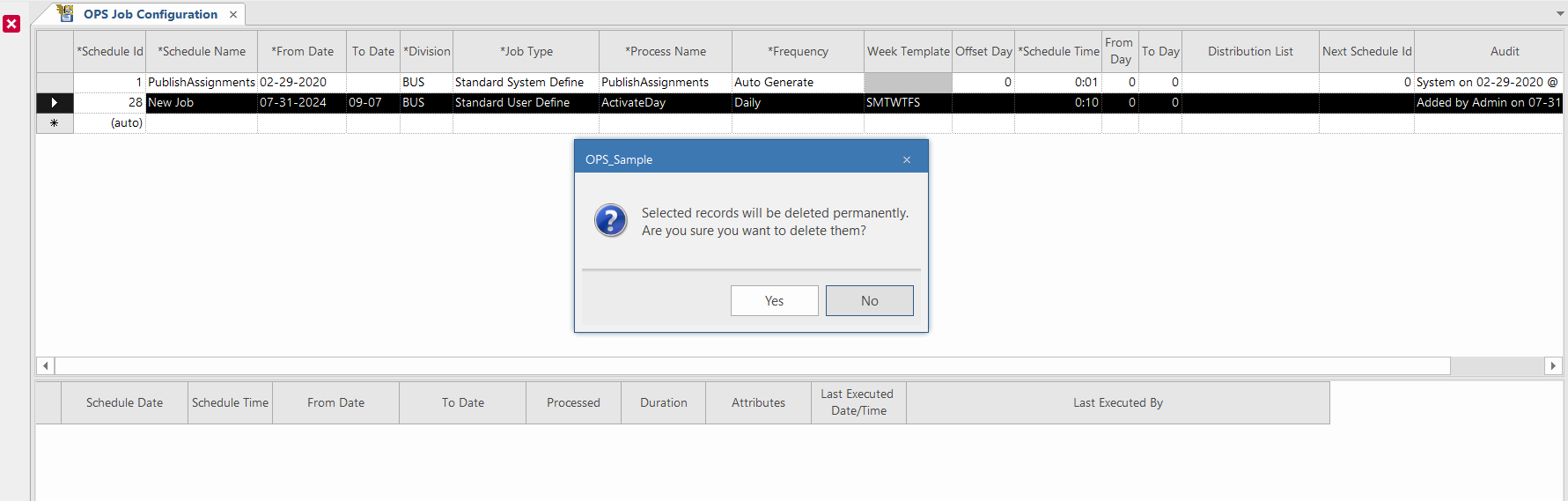
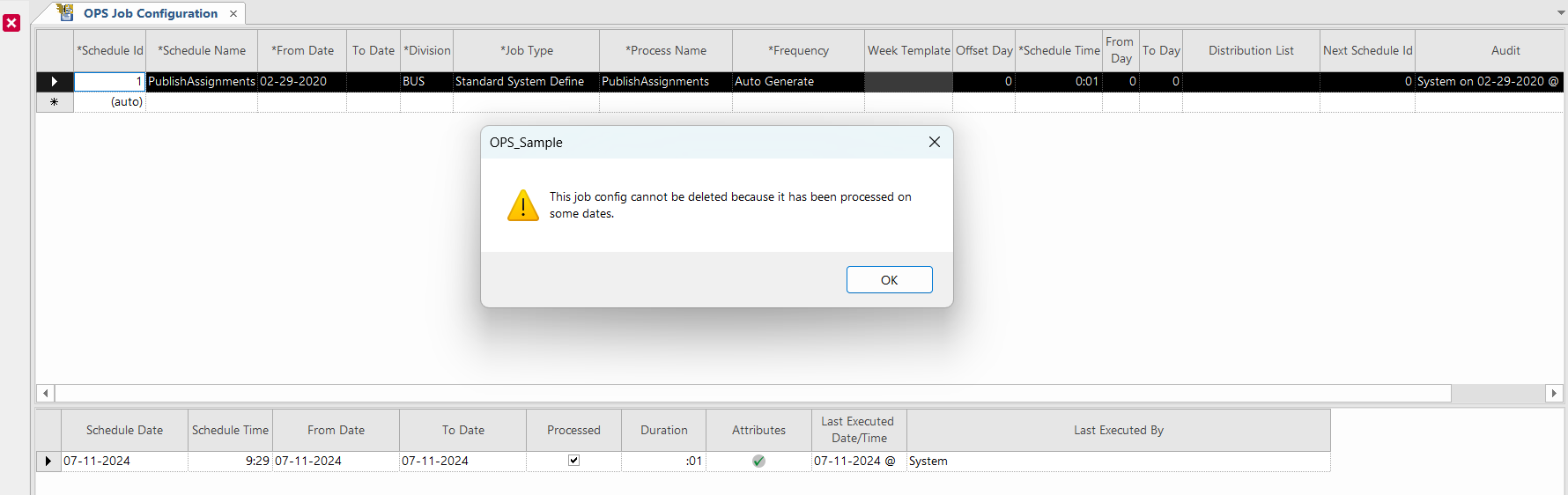
jobs can be deleted if they haven't previously run
-
messages shown when a job can't be deleted are more user-friendly
-
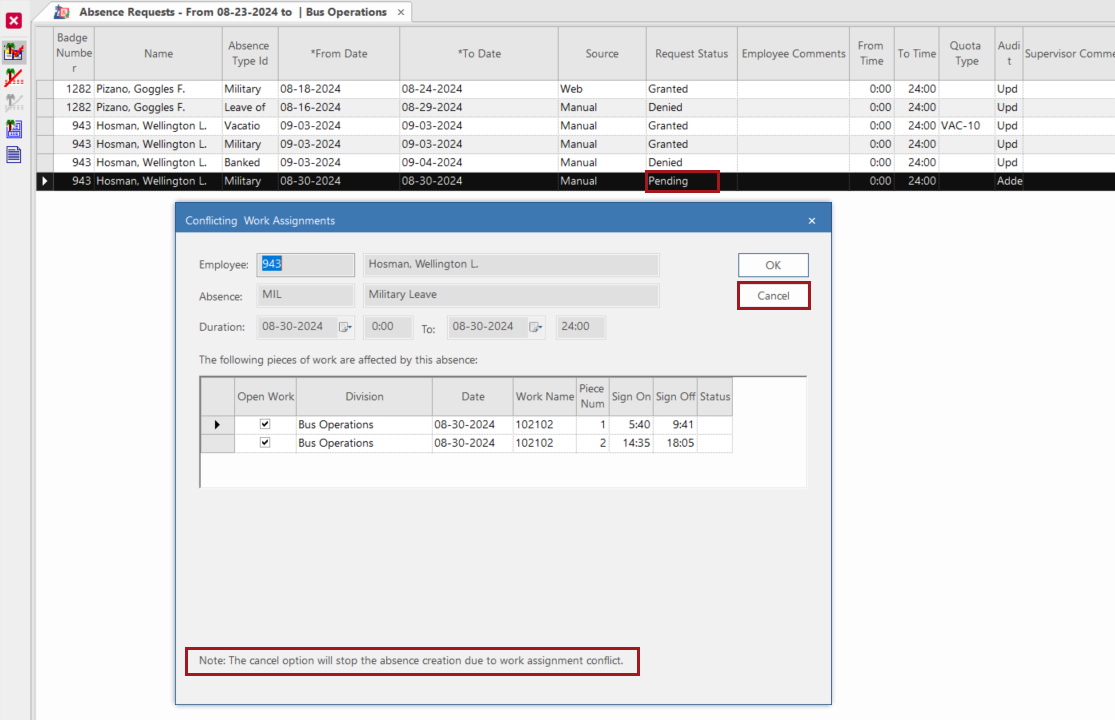
- In the Conflicting Work Assignments dialog, if
Cancel is selected, the absence request is returned to a
Request Status of Pending.
This dialog appears in the Work Planner screen, the Absence Requests screen, and in the Employee Profile - Absences screen.
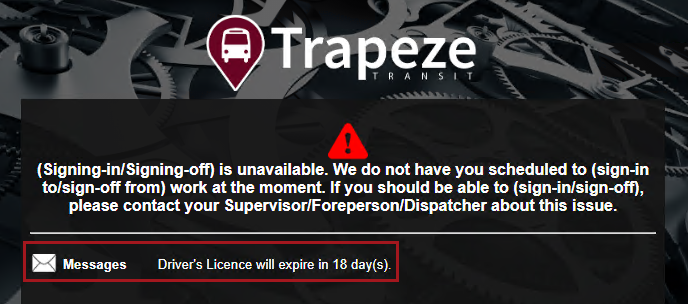
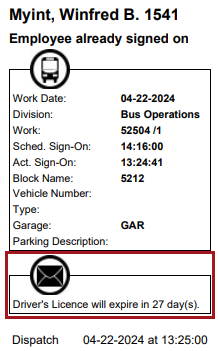
- Employee Messages for missing skills created by Activate Day no longer include
references to employee badge numbers. These messages are found in the Employee
Message dialog, OPS-SIT kiosks, and SIT receipts.
![The Activate Day screen log showing an example warning message of 'Ruckman, Stephan G. [1111]: Driver's Licence will expire in 18 day(s).'](NewFeaturesImages/nobadgenumber_activatedaylog-sc.png)

Employee Profile
- The Change PIN and Upload Picture buttons
are now only available when looking at the Employee Profile - Employee
List screen and the Employee Profile - Employee Card
screen.


 In Accrual Balance, in the Accrual
Adjustments dialog, only one record can be created for each
Accrual Adjustment Type and Date
combination. The Adjusted Time and Comments
for the record are shown in the employee’s Accrual Balance grid.
In Accrual Balance, in the Accrual
Adjustments dialog, only one record can be created for each
Accrual Adjustment Type and Date
combination. The Adjusted Time and Comments
for the record are shown in the employee’s Accrual Balance grid. 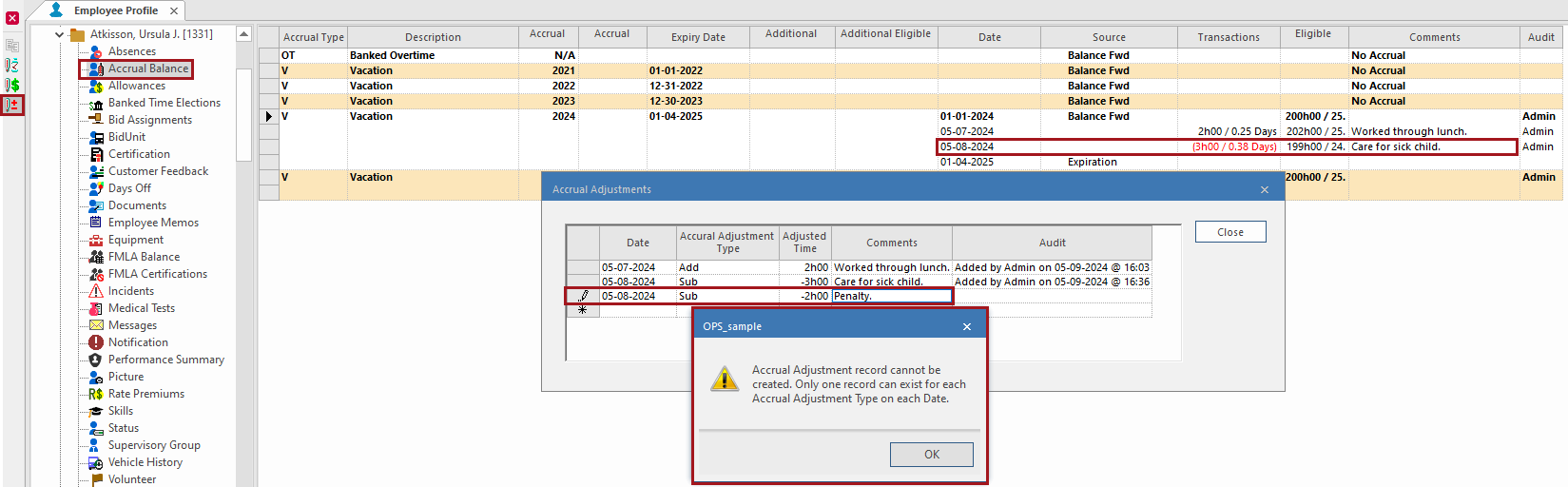
- Employee pictures imported into the system using the EmployeePictureImport process in the OPS Job Configuration screen or the Upload Picture button in the Employee Profile - Employee Card screen now have a maximum size of 600px by 600px.
OPS Statistics
-
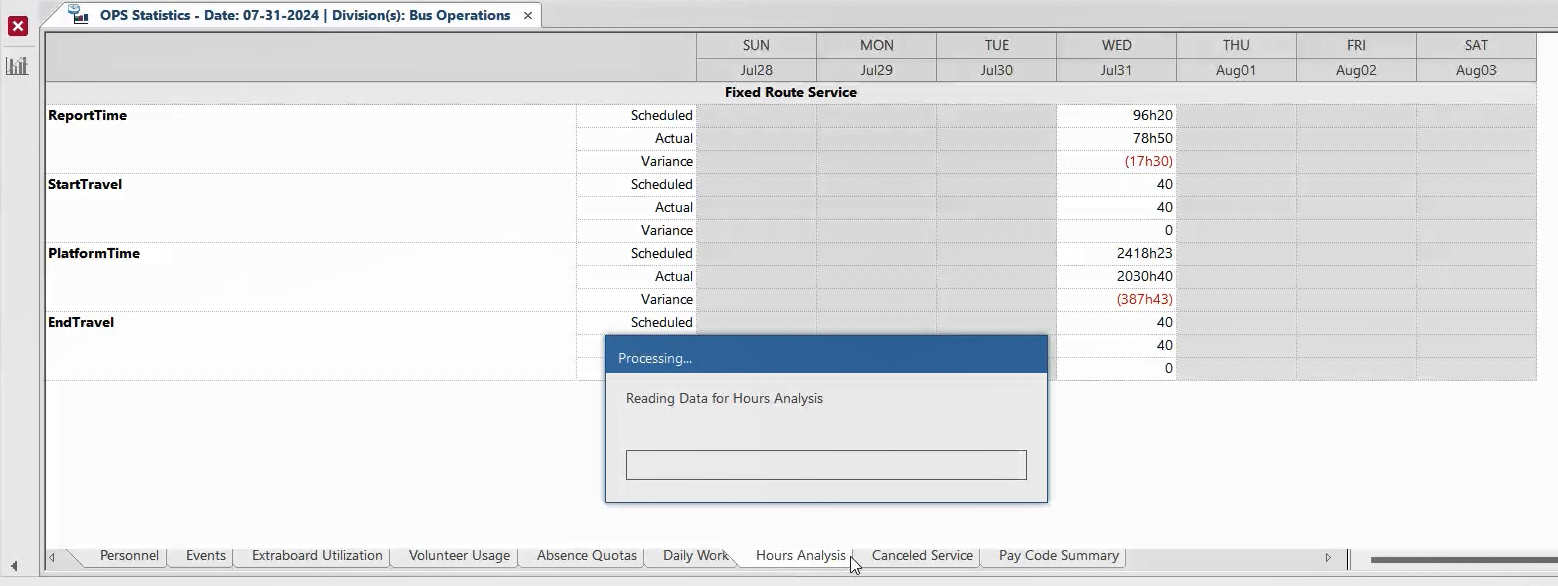
Progress bars were added where needed.