Confirming Accruals Have Been Generated
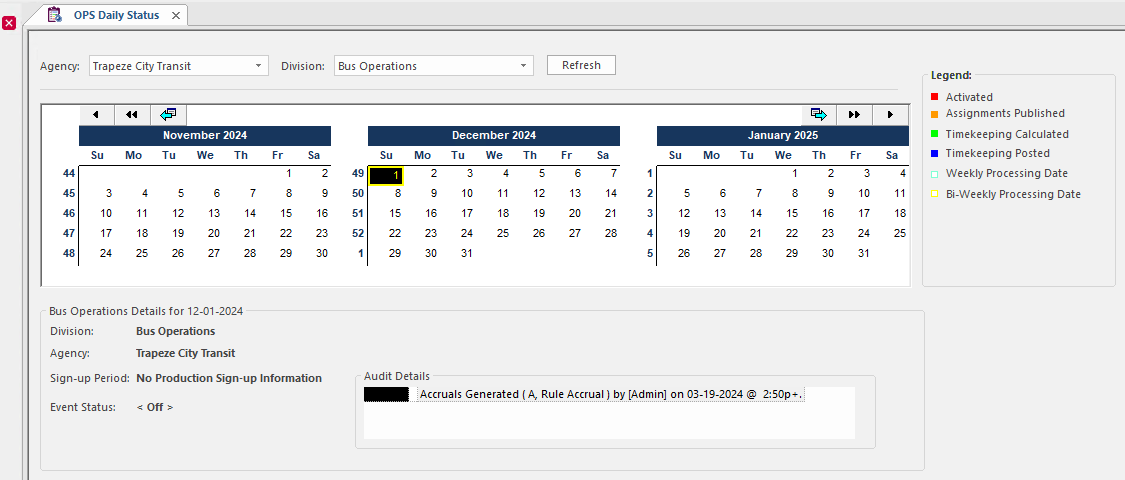
You can use the OPS Daily Status screen to determine whether accruals have been generated for a particular accrual period.
- Open the OPS Daily Status screen.
- Select the Agency for which you want to check accruals.
- Select the Division for which you want to check accruals.
- Select Refresh.
-
Select a day in the calendar to see whether accruals have been generated.
The Audit Details section shows process information for the day, including whether accruals have been generated.