Viewing Accrual Generation Logs
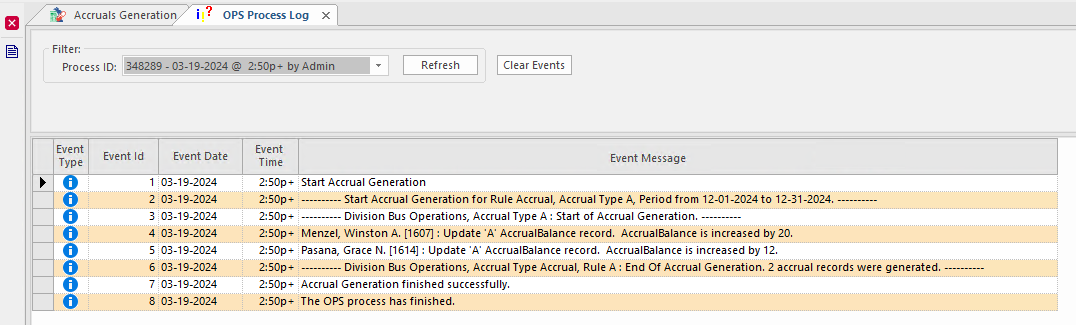
Use the OPS Process Log to view accrual generation process information.
- In the OPS Process Log screen, select Context (F3).
-
In the OPS Process list, select:
- Accruals Generation to view logs for the accrual generation process.
- UndoGeneratedAccruals to view logs for the undo accruals generation process.
These options are only available if you have actually generated accruals or undone a generation. - In the From Date and To Date fields, specify the date range over which you want to view process information.
- Select OK.
-
In the Process ID list, select the processing event to
view.
The most recently logged entry is at the top of the list.