
Generating Employee Counts
You can show the number of employees with particular types and statuses in specified divisions in specified date ranges.
- Open the Generate Employee Count screen.
-
Open the Context (F3).
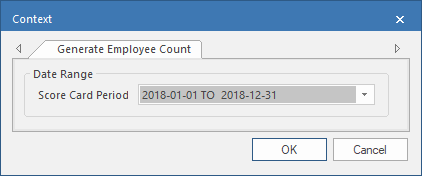
- Select an Score Card Period.
-
Select OK.
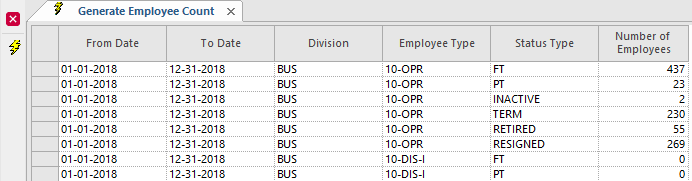
-
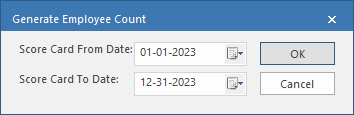
To add a scorecard period:
-
Select Generate Employee Count:

-
Select Generate Employee Count: