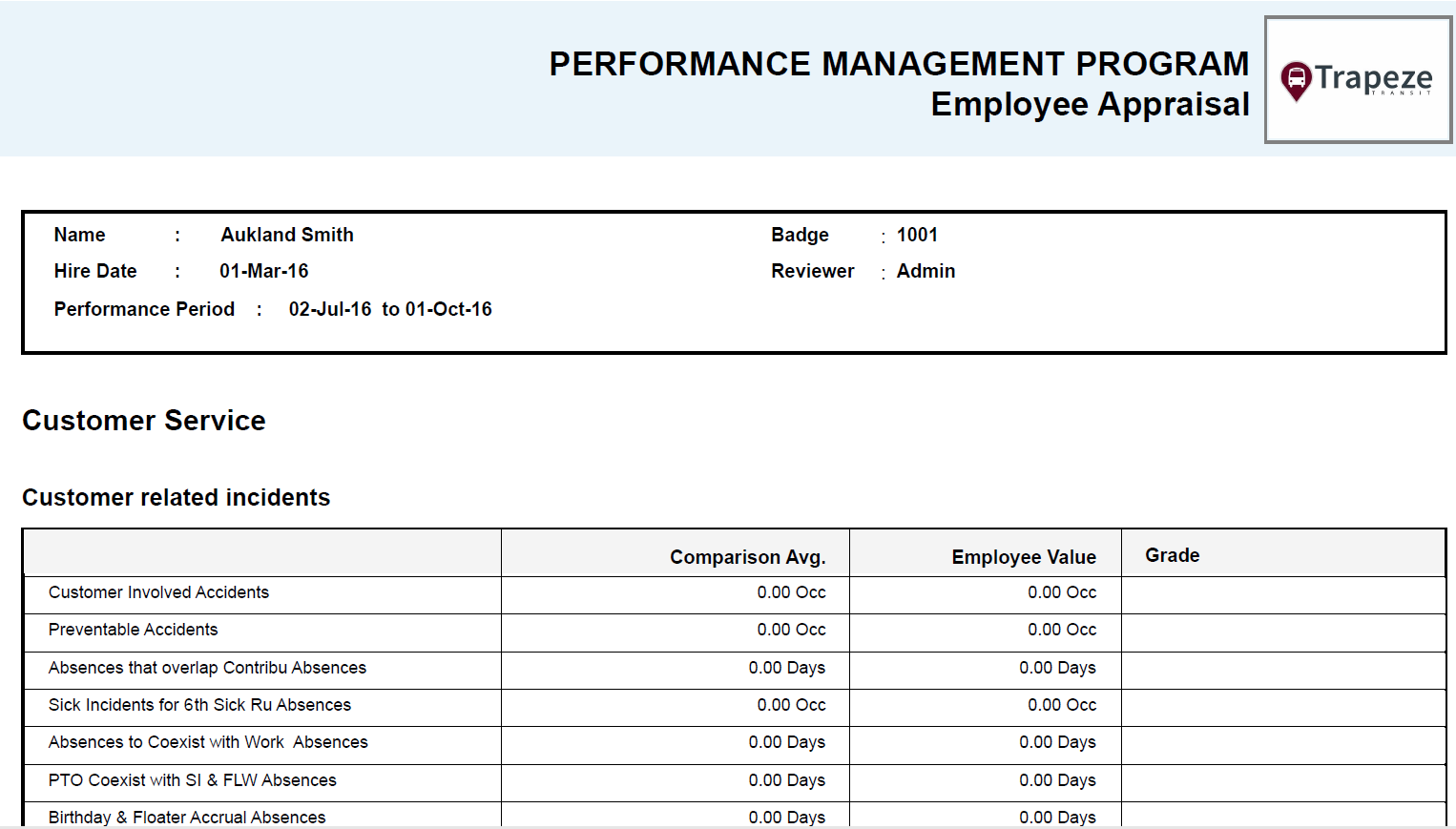
Employee Appraisal Report
The Employee Appraisal report provides information from employee scorecard reviews.
Reports are typically run from the Reports menu in the Client Shell. The Employee Appraisal report can be generated in CSV, Excel, PDF, RTF, and Word outputs. If the report is not available in the menu, select and navigate to Employee Appraisal.trc6.
To run the report, the security permission key must be granted to the user.
Define the following report parameters and then select OK:
- Review From Date
- Review To Date
- Choice of one Agency
- Choice of one or more Divisions
- Choice of one or more Employee Types
- Choice of one Employee
- Order by employee name or employee seniority