ESS Employee Information Updates
This is a list of notable changes made to ESS Employee Information between the release of v1.9.0 and the release of v1.10.0. For more detailed information, see ESS Employee Information Release Notes.
- About information is now easier to read.
- On larger screens, driver paddles and operator manifests are now shown full-size.
- On smaller screens, the Help icon (?) is now available in the upper-right corner of the page. Select it to navigate to online help for ESS.
- On the Extra Pay page, the +Claim Extra Pay button on larger screens and the +Add button on smaller screens are now called +Request Extra Pay.
- The design of the Absence Request dialog was updated. Close is now called Cancel and button positions were updated.
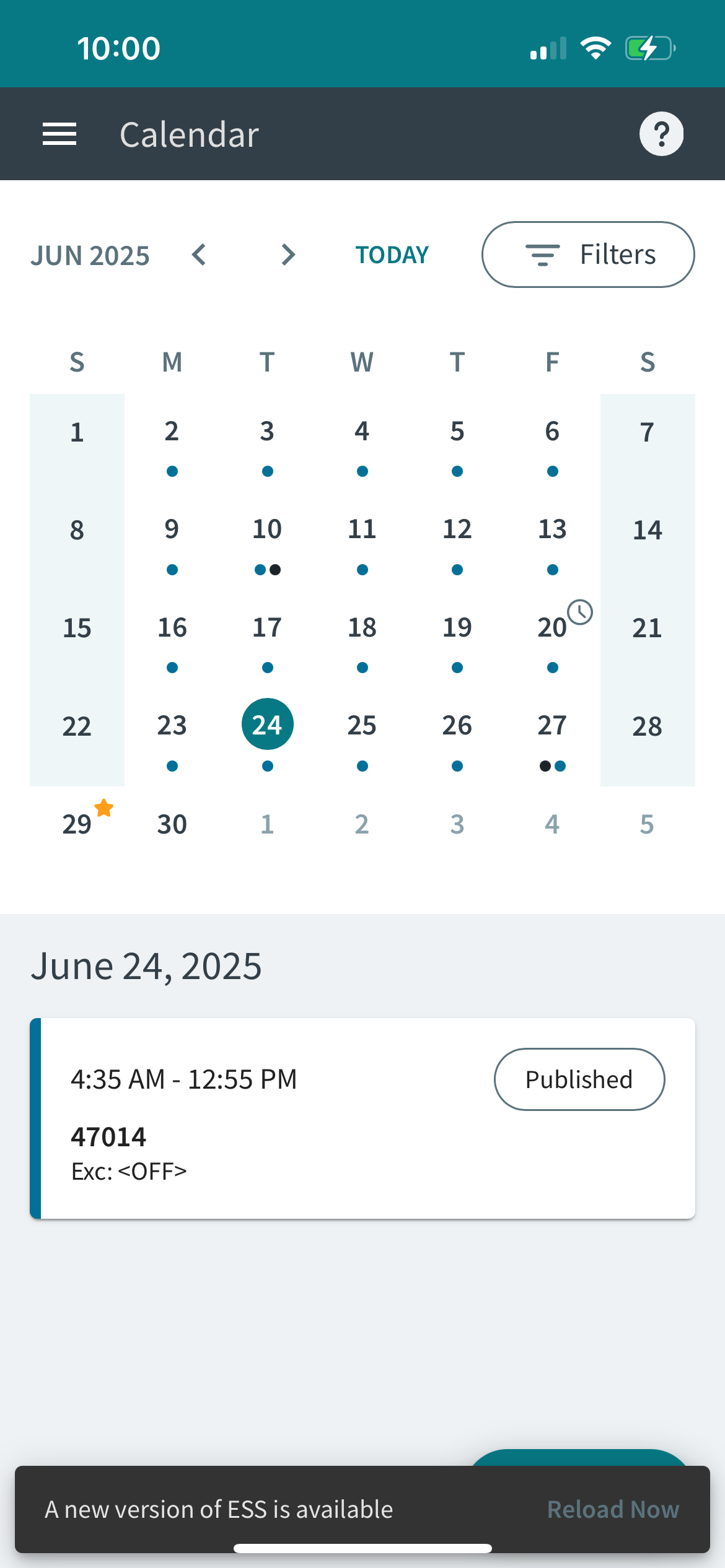
- Messaging was added to let employees know when a new version of ESS is available.
Employees should select Reload Now to refresh ESS and use the newer
version.