
Viewing Help on Smaller Screens
ESS Help can be accessed from the application.
-
In the title bar, select the question mark (
 ).
ESS Help appears.
).
ESS Help appears. -
Do one of the following:
- Select menu (
 ) and then select a topic to view.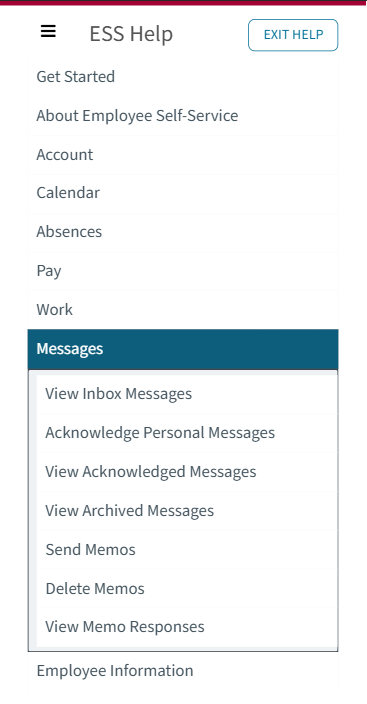
- Search for a word or phrase using the Search
bar.

- Select a direct-to-topic link.

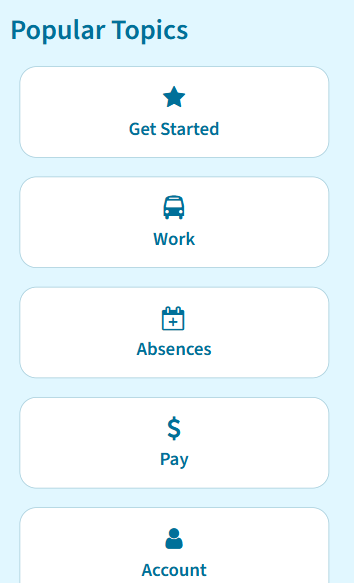
- Select a popular topic.
- Select a featured video.
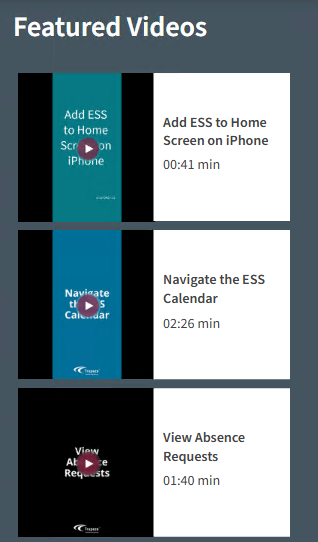 Note:To find more videos, navigate to the Video Tutorials page or search for video.
- Select menu (