
Adding Report Groups

How to add report groups in the Report Groups screen, that manages groups of Device Activities used in the IVR reporting module.

  1. In the Report Group screen, click New Report Group on the screen toolbar.
    The Add New Report Group screen appears.
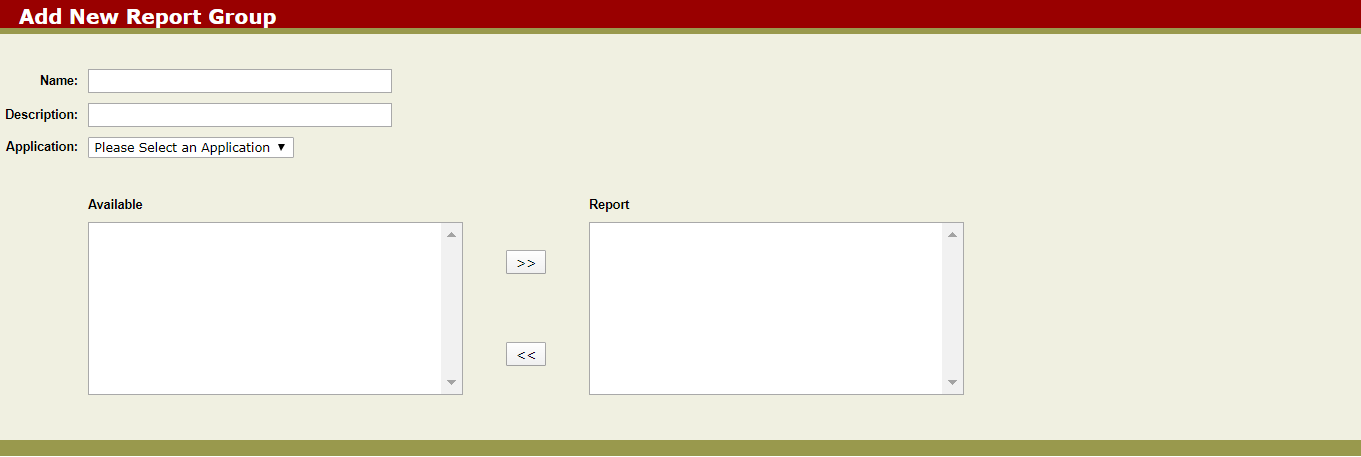
    Add Group Screen
  2. In the Name field, type a unique name for the new group.
  3. In the Description field, type a brief description of the report group or the kind of information to be contained in the report group.
  4. In the Application list, select an application.
    A list of available Device Activities for the selected application appears in the Available field.
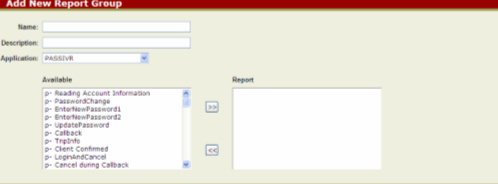
    Add New Report
  5. In the Available field, select the Device Activity that you want to display in the report group and click the double rightward arrow.
    The selected Device Activity is shown in the Report field.
  6. Click Submit.
    An information page shows the selections made.
  7. Click OK.
You are directed to the Report Groups Manager screen.