
Viewing Details about Reports Groups
To view details about any report groups in the Reports Group screen.
- In the List of Report Groups grid, select the report group you want to edit.
- In the Options list, select Edit.
- ClickGo.
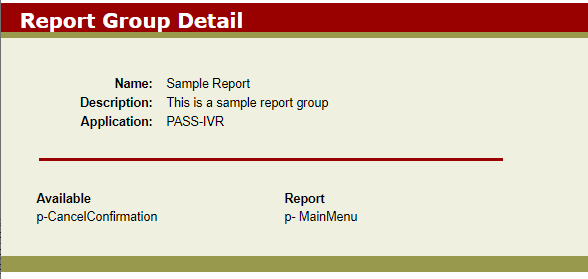
To view details about any report groups in the Reports Group screen.