
Editing Existing Rules
Through the list of rules screen users can edit existing rules.
-
Select Edit in the Options list and click
Go.
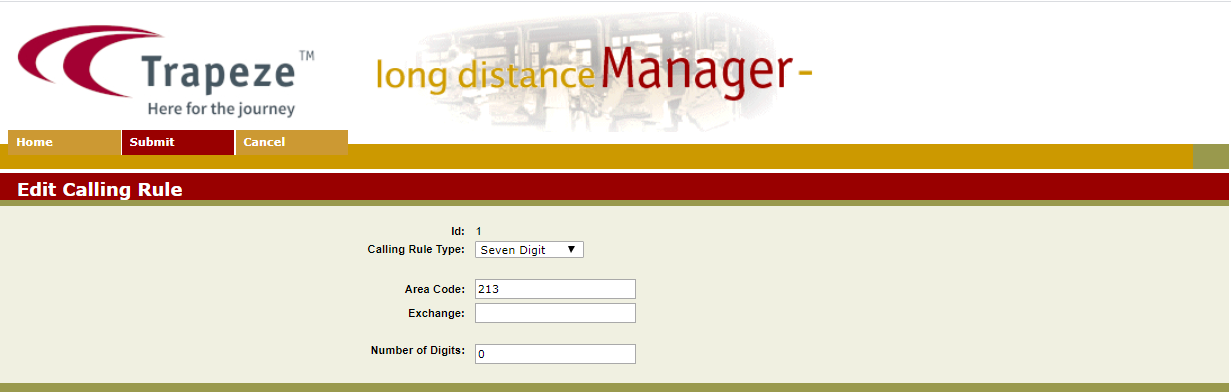
The Edit Calling Rule screen appears.
Through the list of rules screen users can edit existing rules.