
Signing Into Floodgate

You must have a Floodgate Messaging account to access the application.

If unable to sign in, contact your system administrator to verify that you have the necessary permissions to use Floodgate Messaging and that you are using the correct login information.
  1. Open the application in Chrome.
    The Floodgate Messaging login screen appears:
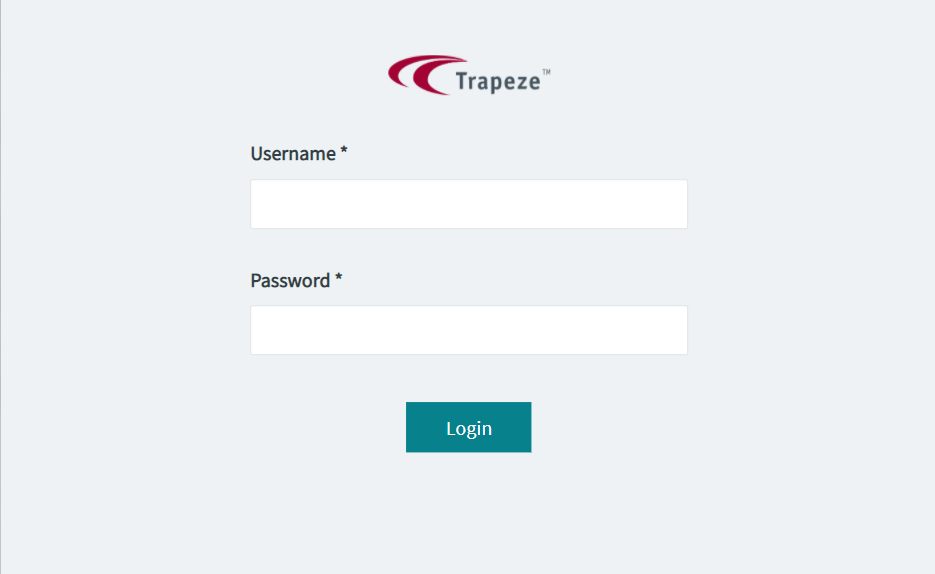
    Floodgate Login screen
  2. Enter your user name and password.
  3. Click Login.
    The main Floodgate Messaging screen appears:
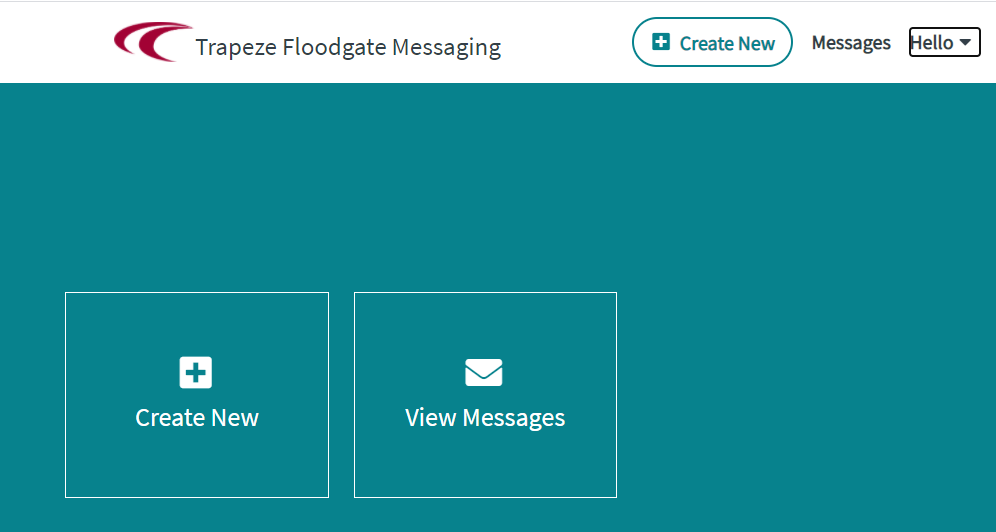
    Floodgate main screen showing the Create New and View Messages buttons