You can delete messages that are no longer valid.
(This ability depends
on your user permission.)
Floodgate Messaging allows you to delete messages at various stages while creating and
editing them. After clicking Delete, you will be prompted to
confirm the action.
When Creating Messages
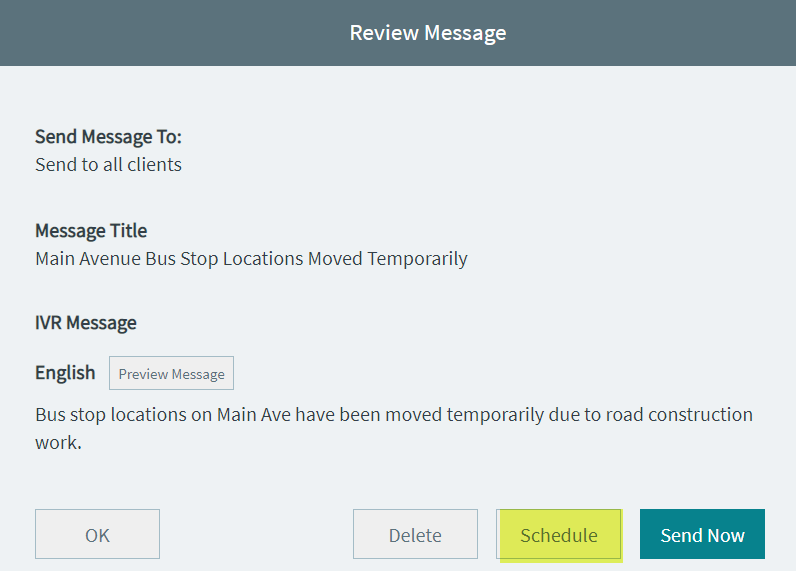
If the message you are in the process of creating is no longer valid, you can
click Delete while on the Review
Message screen.
When Editing Messages
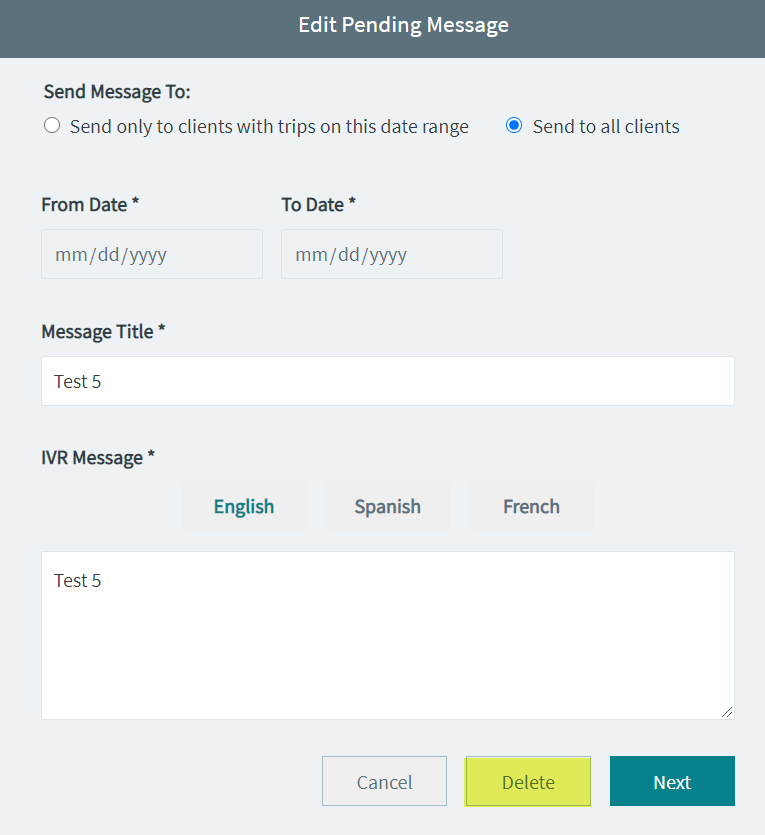
You can delete a message while on the Edit Message screen. The
following graphic shows a sample message in the Edit Pending
Message screen:
When Viewing the Messages Screen
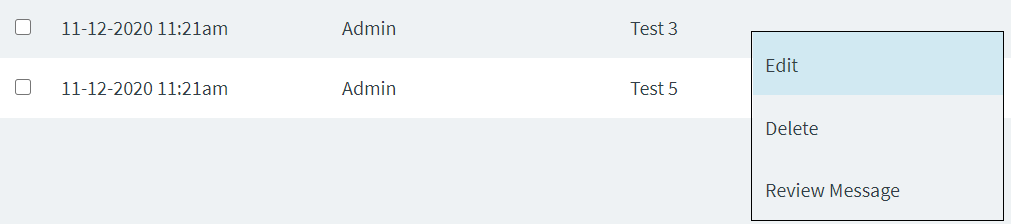
When you right-click a message on the Pending or
Scheduled tabs on the Messages screen, you can click
Delete on the shortcut menu. (The message does not have
to be selected, that is, have the check box appear selected.)