
Viewing Messages
Depending on your user permission, you can view messages based on their status: Pending, Scheduled, or Sent.
-
Perform one of the following steps:
- Click View Messages.
- Click Messages on the upper-right corner of the screen.
The messages on the Pending tab are shown by default. These messages are still considered drafts and have not yet been scheduled. -
Select and hold (or right-click) the message you want to view, and then select
Review Message .
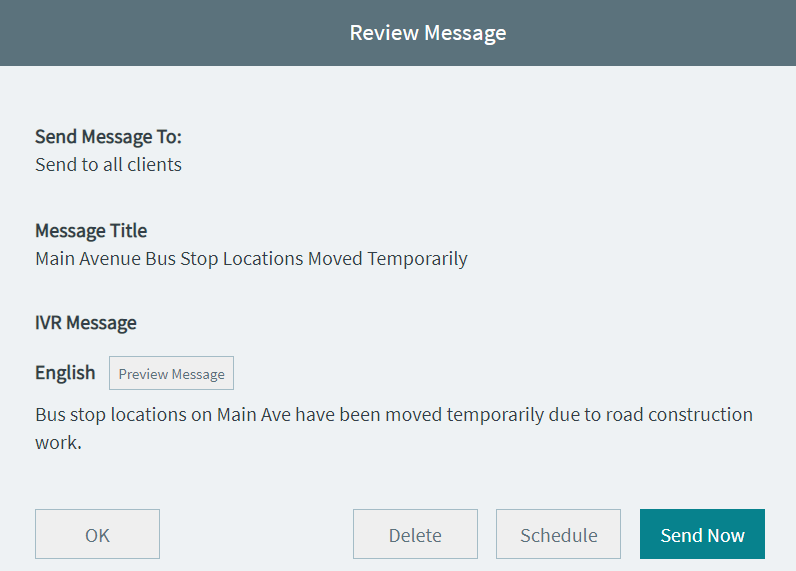
The Review Messagepage appears. This is the same page that appears after you click Next when creating messages.
- Optional:
To sort the messages in ascending or descending order, click the arrow icon on
the Message Created At column heading.
The upward arrow icon indicates an ascending order while the downward arrow icon indicates a descending order.
- Click Back to review other messages or click Delete, Schedule, or Send Now to act on the message as appropriate.