
Customizing Sheets
The sheets referred to are similar to the spreadsheets of a workbook.
-
Do one of the following steps:
- On the screen in Detail view, click the Customize
Grid button: .

- Right-click anywhere on the screen and select Customize from the shortcut menu.
The Customize dialog box appears. - On the screen in Detail view, click the Customize
Grid button: .
-
Open the Sheets tab.
The list of available sheets is shown on the tab.
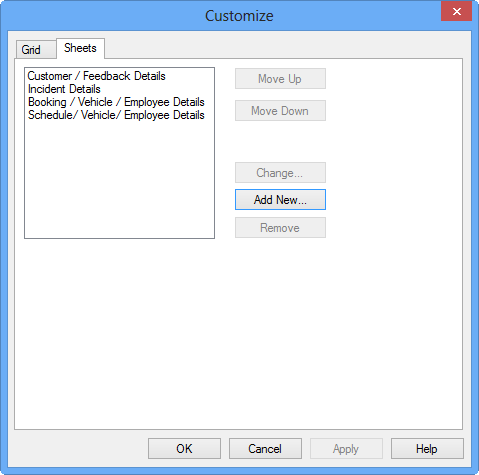
-
Click the appropriate button to perform any of the following tasks:
- Add a new sheet.
- Change the name of sheets.
- Move sheets.
- When you have completed your changes, click OK.