
Viewing COM History
COM History allows you to track deletions, insertions, and updates in COM made at the database level in the COM Representative, COM Investigator, and ancillary data screens
-
Click .
The top pane displays the records stored in the History Audit table.
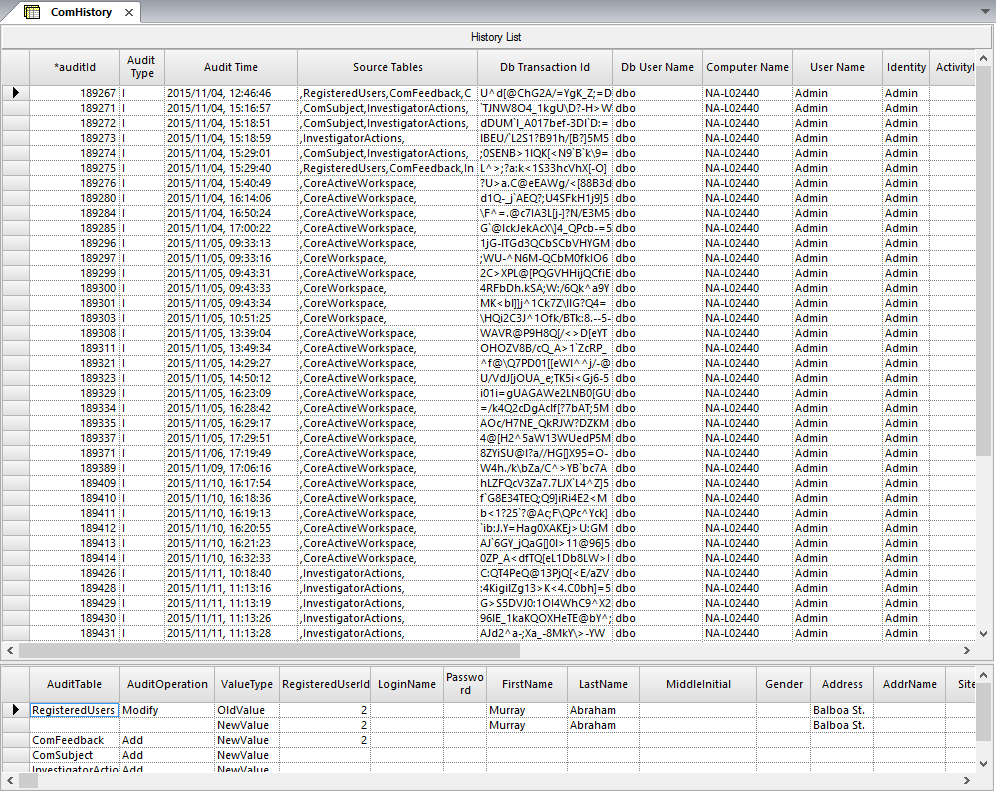
- Select a record whose history you want to view.