
Opening Database Definition Files in DBEdit
Database definition files (*.dbd and *.db-schema) define the framework used by Trapeze applications as they gather information and store it in your data sources.
-
Navigate to and double-click DBEdit.exe.
DBEdit is typically found in the Toolkit.Use the DBEdit version (32-bit or 64-bit) that works with your data source connection type. For example, ODBC Data Sources (32-bit) or ODBC Data Sources (64-bit). If you are updating the data source to match the *.db-schema or *.dbd files and are using both 32-bit and 64-bit connections, you only need to update the data source once.Depending on your system setup, you may need to run the .exe file as Administrator.DBEdit appears.
-
Click .
The Open dialog appears.
-
Browse to the *.db-schema or *.dbd
file to compare with the data source.
For example, MmsData.dbd.
-
Click Open.
You can also drag and drop files into the DBEdit window.The contents of the selected database are shown in DBEdit.
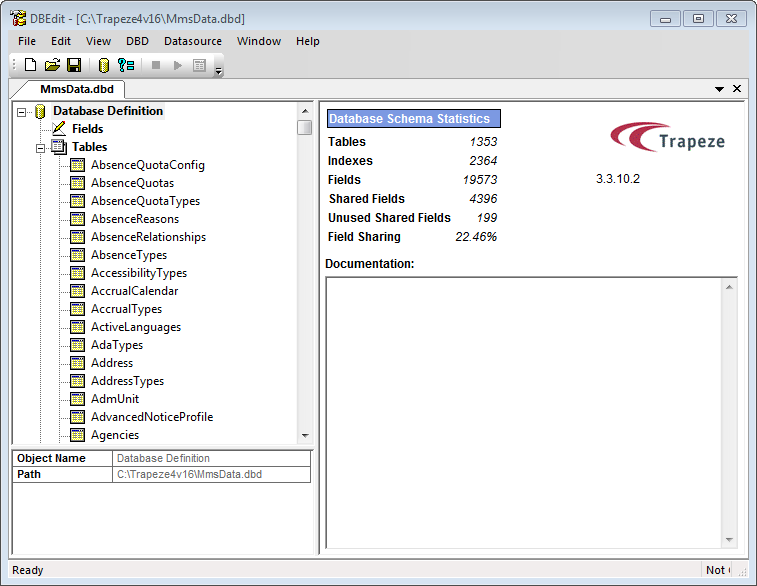 Note: If you have previously opened some .dbd files, the files are displayed on separate tabs on the DBEdit screen.