
Creating Workspaces
Create workspaces to allow collaboration between power users.

- In the navigation pane, select Workspaces.
-
Select Create a workspace.

-
Enter the Workspace name and
Description.
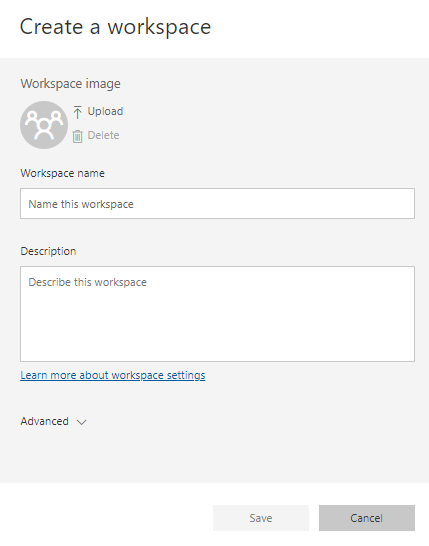
Premium users can create as many workspaces as they need to, but will only be able to share their content with other premium users. Typically, users create reports and dashboards in these more private workspaces and when they're ready to share content with consumers they copy them into the appropriate premium workspaces. Trapeze clients are each entitled to five premium user accounts. - Select Save.
- Select Add content.
- Discover content or Create new content to add to the workspace.