Viewing Workspaces
Workspace content is typically viewed by, and then edited by, power users.
-
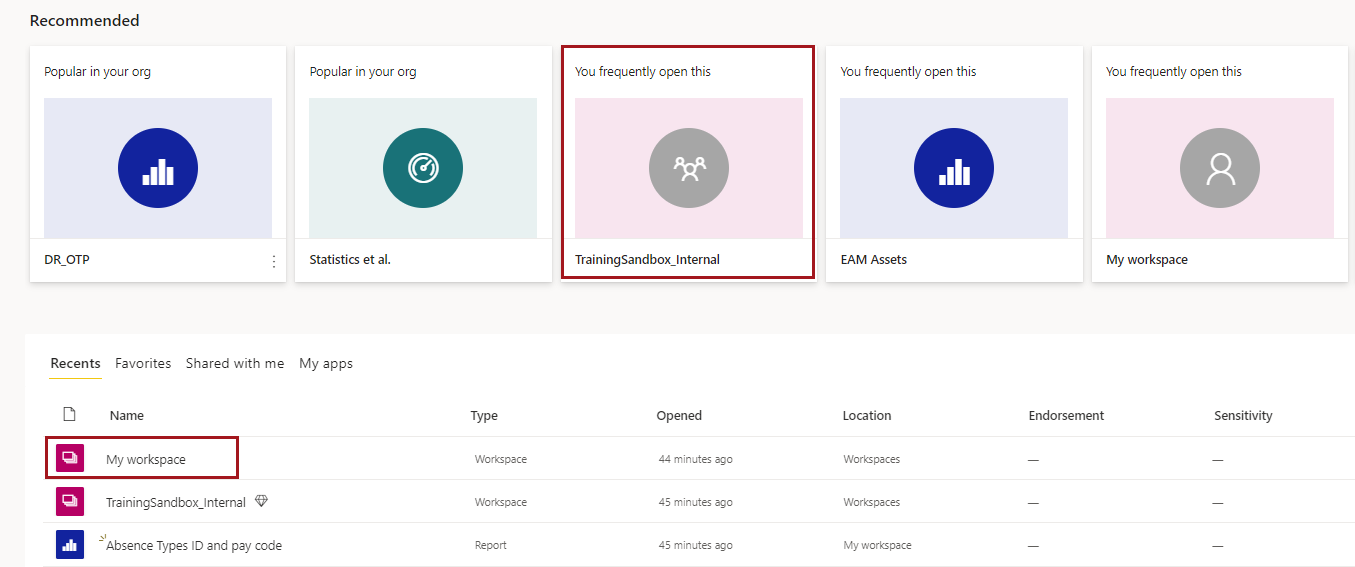
Open a workspace.
- In your Home canvas, select a workspace from the list of available
content.
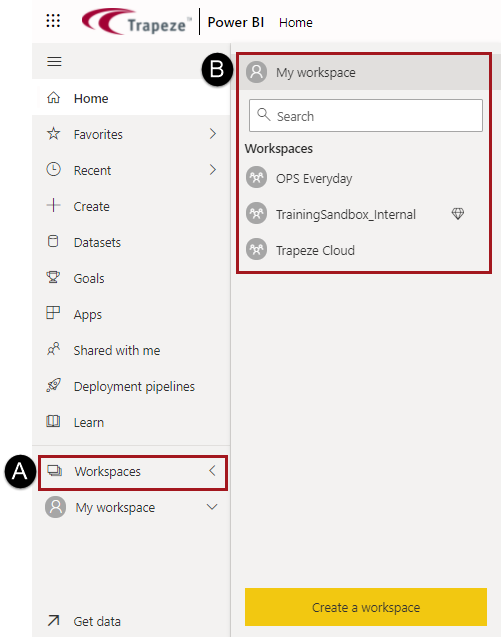
- In the navigation pane, select Workspaces and
then select the workspace to use.
After opening a workspace, a list of content available in that workspace is shown. - In your Home canvas, select a workspace from the list of available
content.
-
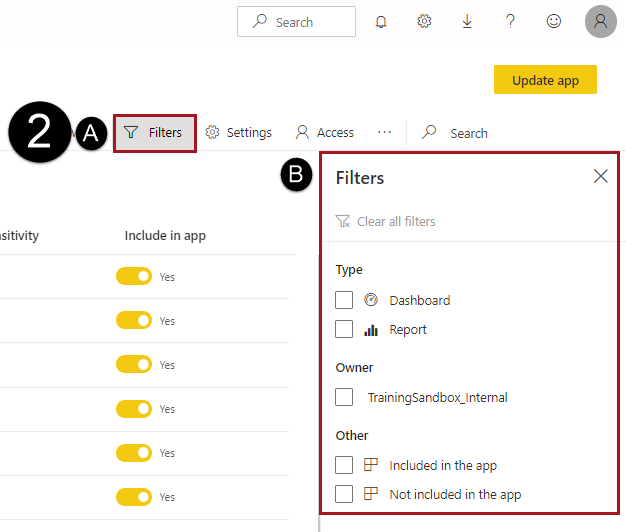
Select Filters to limit the available content and see
only the content relevant to you.