Using Apps
Apps are used by power users and consumers to access previously published reports and dashboards.
-
Open the app.
- Use the ViewPoint app URL provided by the Trapeze ViewPoint team, or by your supervisor or a power user.
- In the workspace navigation pane, select Apps and
then the app to open.
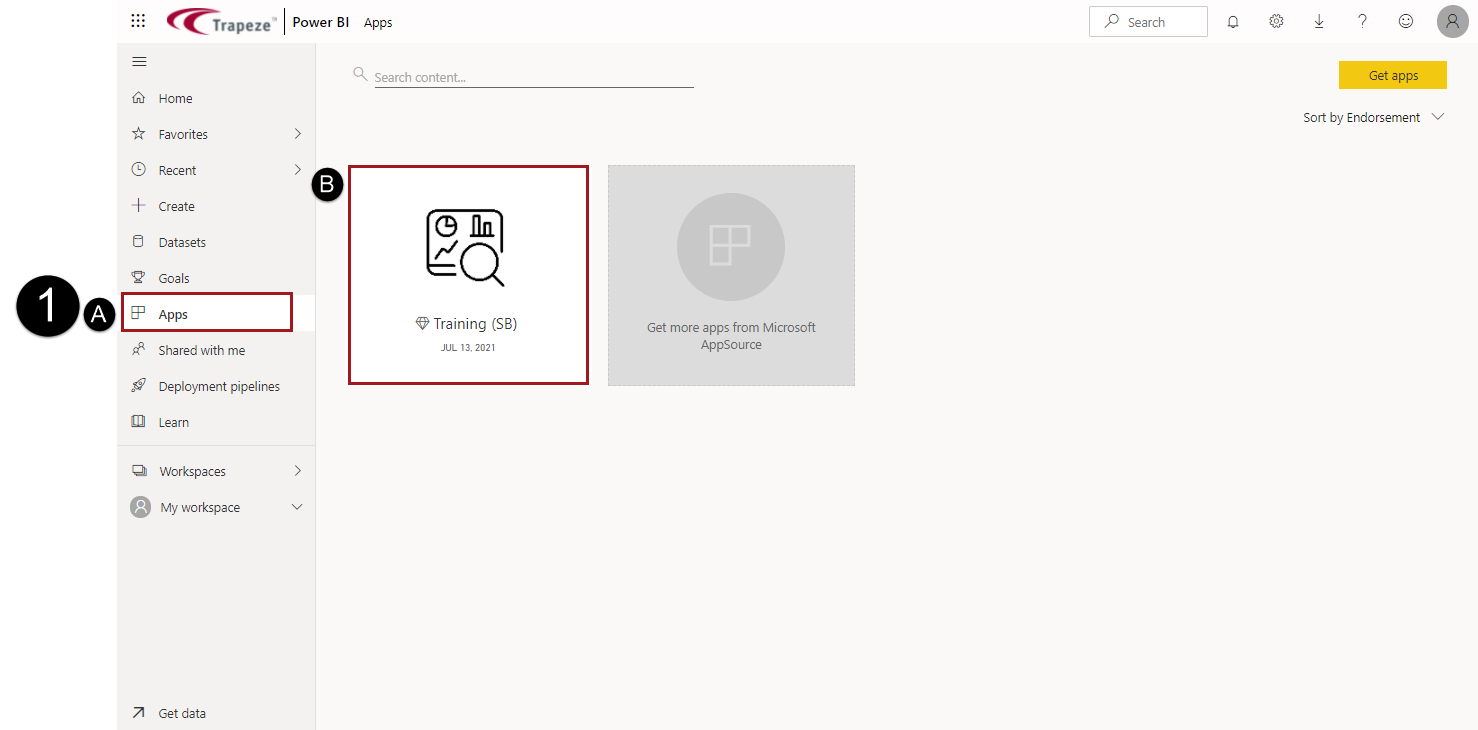
If you do not see an app, select Get apps to search for app. For additional assistance, ask a supervisor.
-
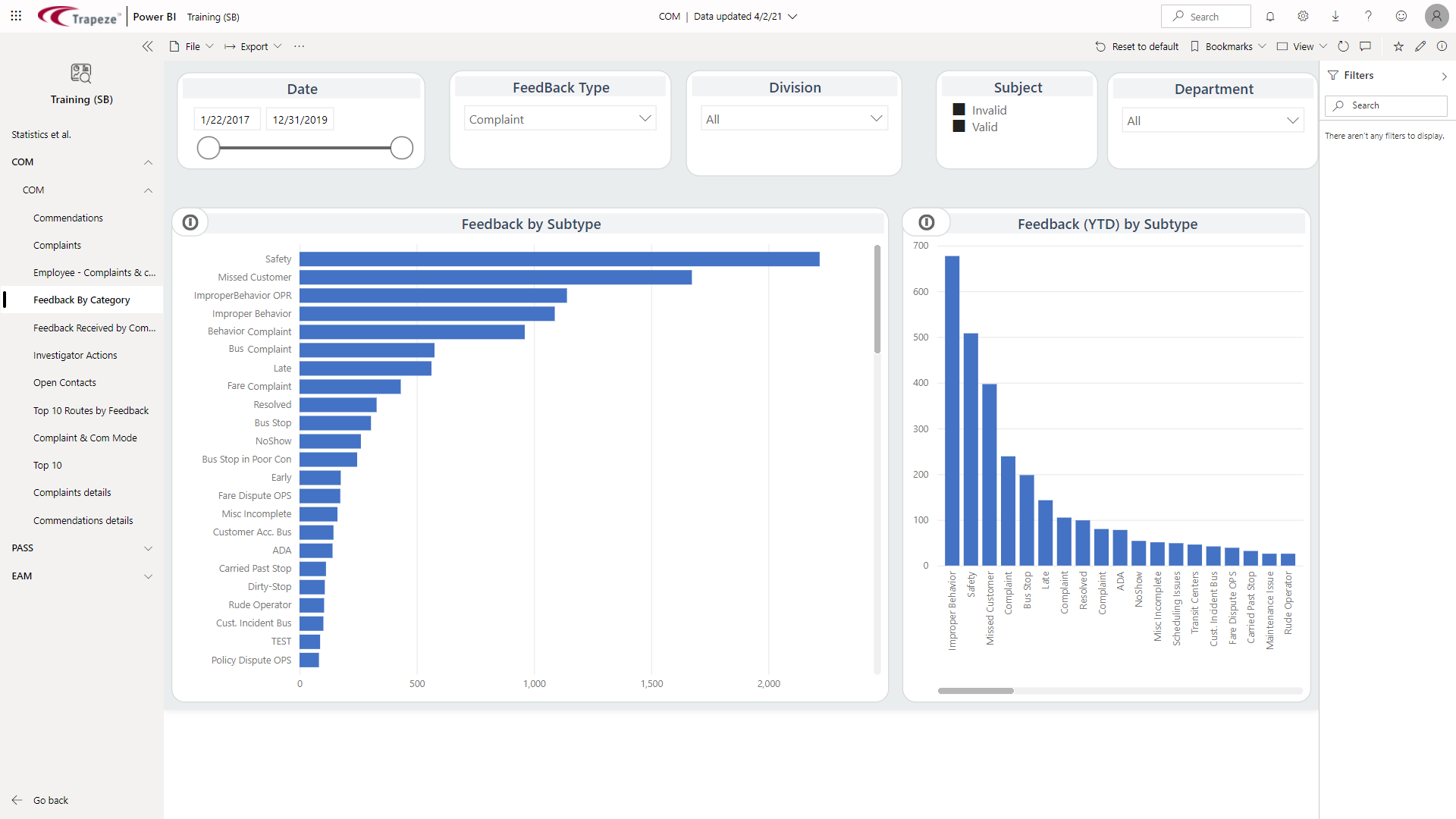
Use the navigation pane to select the dashboard, report, report page, or link
to view.
-
To see related content, use More options (…).

- See related content. Shows related dashboards and other content.
- Open lineage view. Shows where in the hierarchy of the associated workspace the report or dashboard exists and lets you check for any dependencies that might affect your data.
-
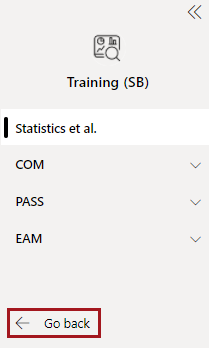
To exit the app, select Go back.