
Deactivating the Lock Screen
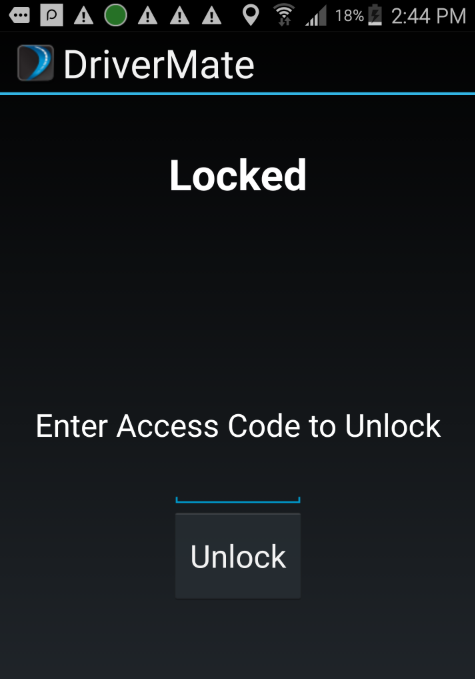
The Lock Screen is deactivated by entering the access code.
-
To unlock the Lock Screen, enter the access code that is defined in the Setup
screen.
-
Tap Unlock.
Note: If the access code entered is incorrect, a warning message will be displayed asking you to try again.