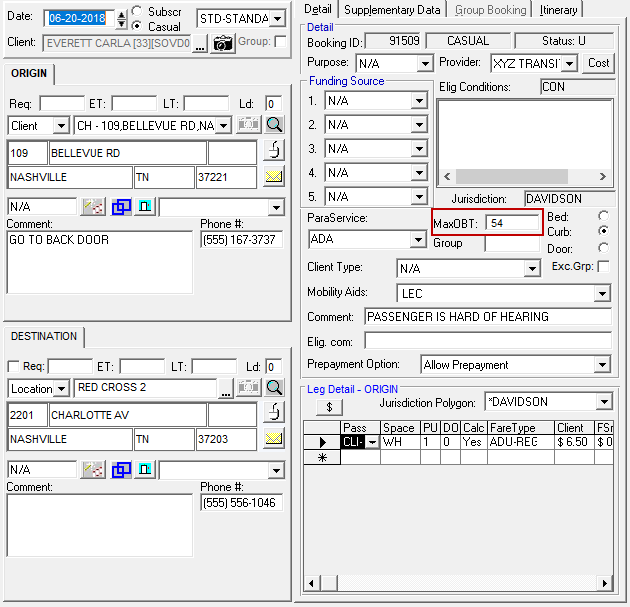
About MaxOBT Time in Trip Booking
The maximum on-board time for PASS-IPA matches the time required for a fixed route trip.
The following properties must be set in order for the MaxOBT field in Trip Booking to show a
fixed route equivalent time duration:
- In , on the Booking Screen tab, Trip Plan Analyzer and Auto Search FX Itineraries must be set to Yes.
- In , on the Profile tab, Apply Fixed Route Ride
Time must be set to something other than Do Not Apply:
- Apply When Greater
- Use the Ride Time Multiple and Ride Time Extra property values when the ride time will be longer than the fixed route alternative.
- Apply When Lesser
- Use the Ride Time Multiple and Ride Time Extra property values when the ride time will be shorter than the fixed route alternative.
- Apply Always
- Always applies the Ride Time Multiple and Ride Time Extra property values.
Maximum on-board time is found in , on the Detail tab, in the MaxOBT
field.