
Viewing Itinerary Descriptions

Itinerary descriptions can be viewed and read to clients.

Before you begin

Open the Trip Plan Analyzer Wizard.

About this task

This message is automatically populated by the system, and typically includes bus stop names. It can be configured by system administrators using system properties. After a trip booking has been confirmed, dispatchers can read this message to clients. This gives clients additional information about their upcoming trip.

Itinerary descriptions are available only if you are using CTM Server or CTM Engine.

Procedure

  1. Select the appropriate row.
  2. Click the Show Batch Details button:
    Sunglasses in front of a piece of paper.
    The Show Batch Details button is found in the lower-left corner of the dialog box:
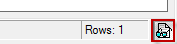
    The Show Batch Details button surrounded by a red box.
  3. Click the Describe Itinerary button:
    A hand writing on a notepad.
    The itinerary description message appears:
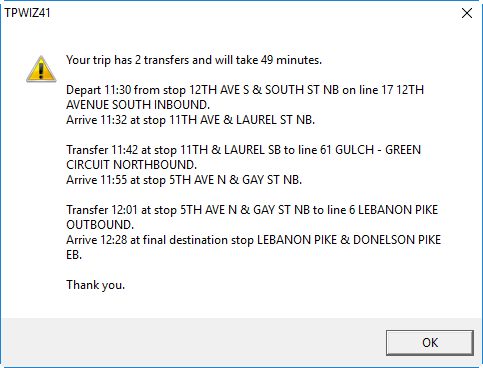
    The TPWIZ41 dialog box showing an itinerary description for a trip that has two transfers and will take 49 minutes.
  4. Read the message aloud to the client.
  5. Click OK.